Figma Website Testimonials Section Component for Trust Building
Enhance credibility with our Figma testimonials section component, designed to display client feedback and success stories in a clean, engaging layout.
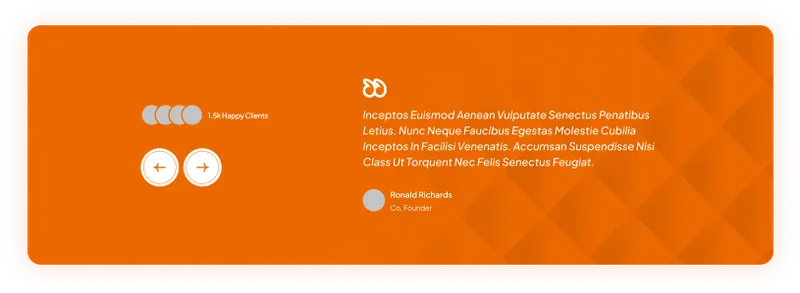
Paste into Figma with ⌘V (Mac) or Ctrl+V (Windows).
How to use
- 1Click Copy component above.
- 2Open your Figma file.
- 3Press ⌘V or Ctrl+V — the component will paste as native Figma layers, fully editable.
More like this
Same categories as Figma Website Testimonials Section Component for Trust Building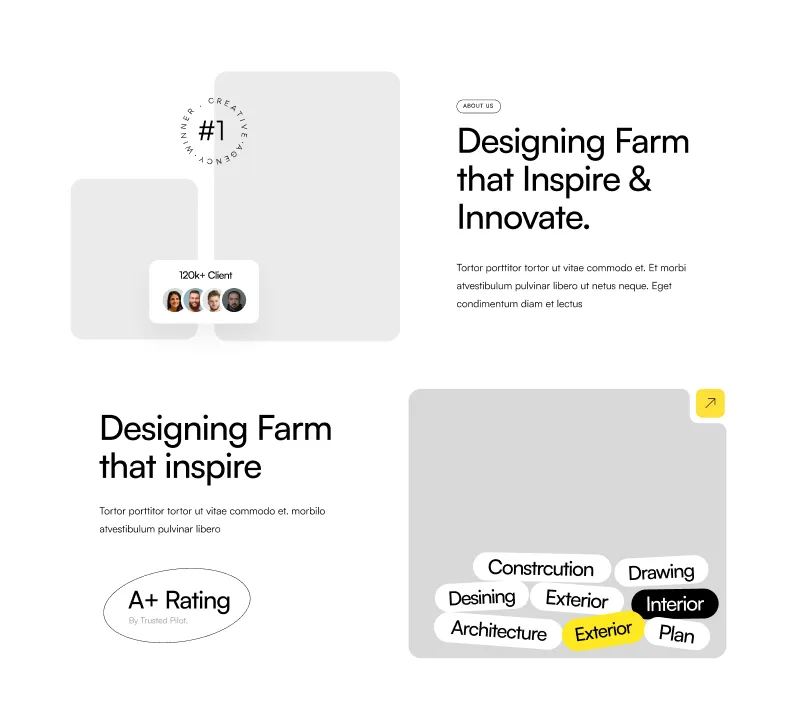
About Section - Modern Figma Component for Websites
Website · Section · About Us · Landing Page · Services
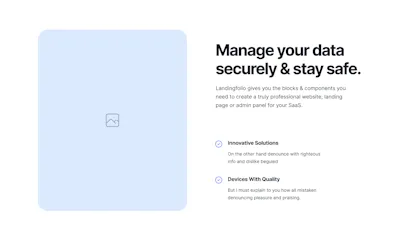
1 Component - Figma UI Design Element
Website · Section · Landing Page · Figcomponents
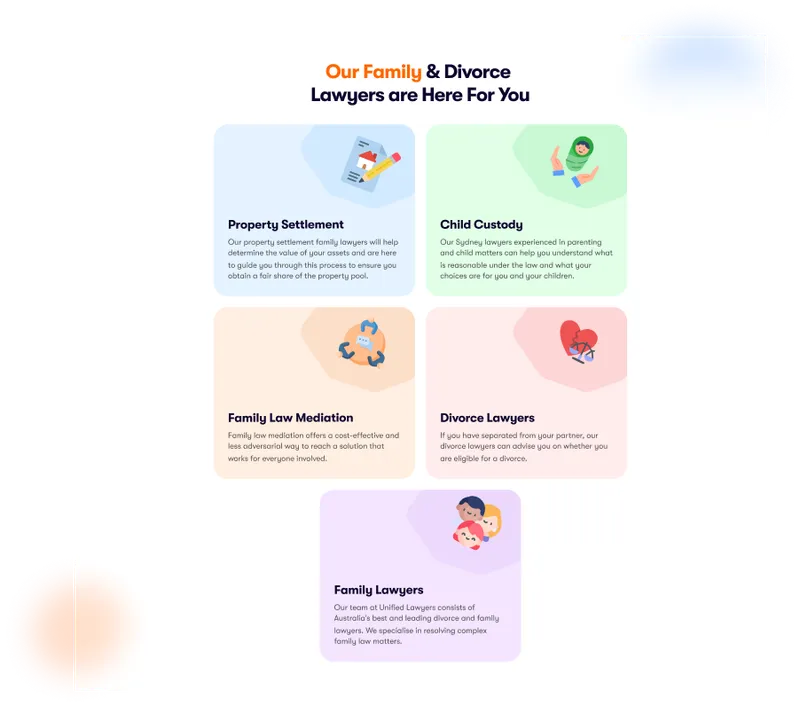
Figma Card Section
Card · Grid · Website · Section · Landing Page · Services
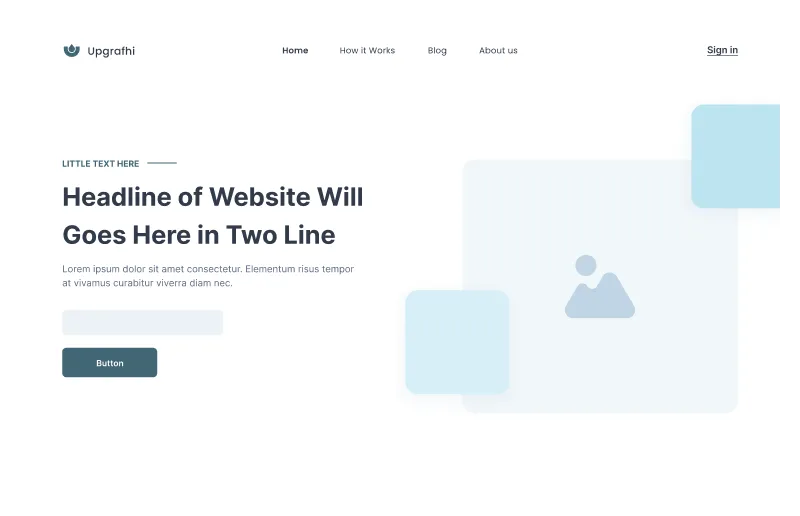
Figma Website Hero Section for Impactful Designs
Website · Hero · Landing Page · Wireframe
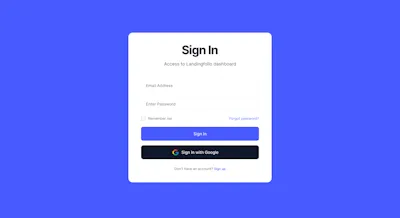
1 Component - Figma UI Design Element
Form · Website · Dashboard · Login · Figcomponents
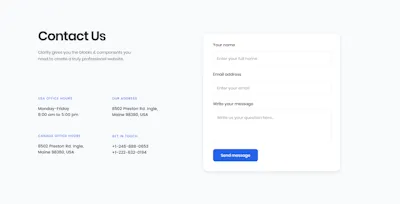
Contact Component - Figma UI Design Element
Website · Section · Contact Us · Figcomponents

Contact Component - Figma UI Design Element
Website · Section · Landing Page · Contact Us · Figcomponents
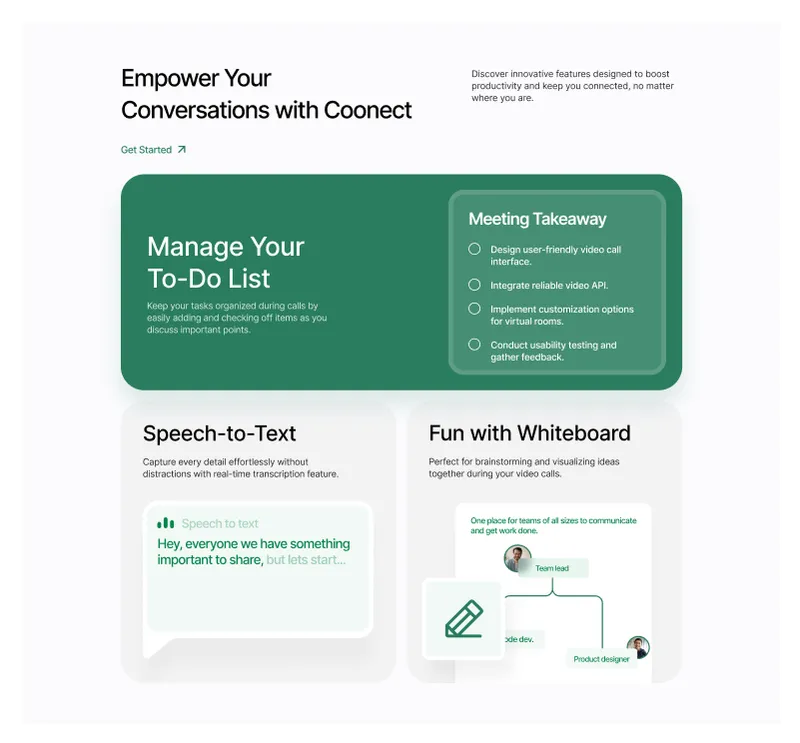
Customizable Website Section - Figma Component for Modern Designs
Website · Section · Landing Page
3 Component - Figma UI Design Element
Website · Section · About Us · Landing Page · Wireframe · Figcomponents
Dynamic Hero Section - Perfect for Any Website
Header · Website · Hero
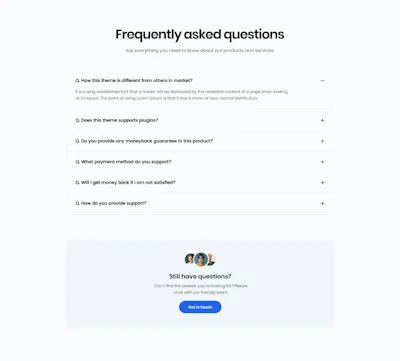
FAQ Component - Figma UI Design Element
Website · Faqs · Landing Page · Figcomponents
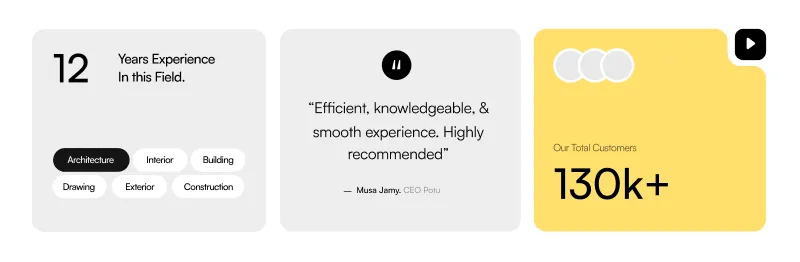
About Company Section - Professional Figma Website Component
Card · Website · About Us · Landing Page · Testimonials