Arabic Login Screen UI – RTL Dashboard Login Component for Figma
Arabic Dashboard Login Screen for Figma, designed with complete RTL support. Includes elegant form fields, secure login layout

Paste into Figma with ⌘V (Mac) or Ctrl+V (Windows).
How to use
- 1Click Copy component above.
- 2Open your Figma file.
- 3Press ⌘V or Ctrl+V — the component will paste as native Figma layers, fully editable.
More like this
Same categories as Arabic Login Screen UI – RTL Dashboard Login Component for Figma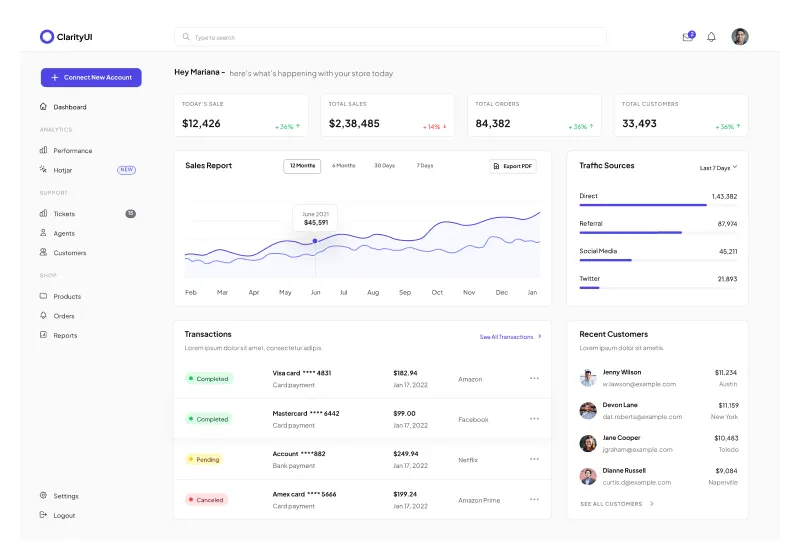
Dashboard Home Page Figma Component for Stats, Charts, and Tables
Chart · Progress Bar · Dashboard · Menu
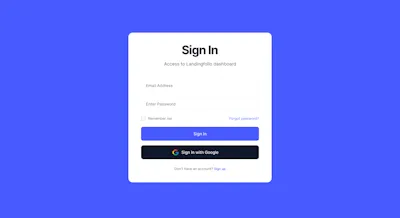
1 Component - Figma UI Design Element
Form · Website · Dashboard · Login · Figcomponents
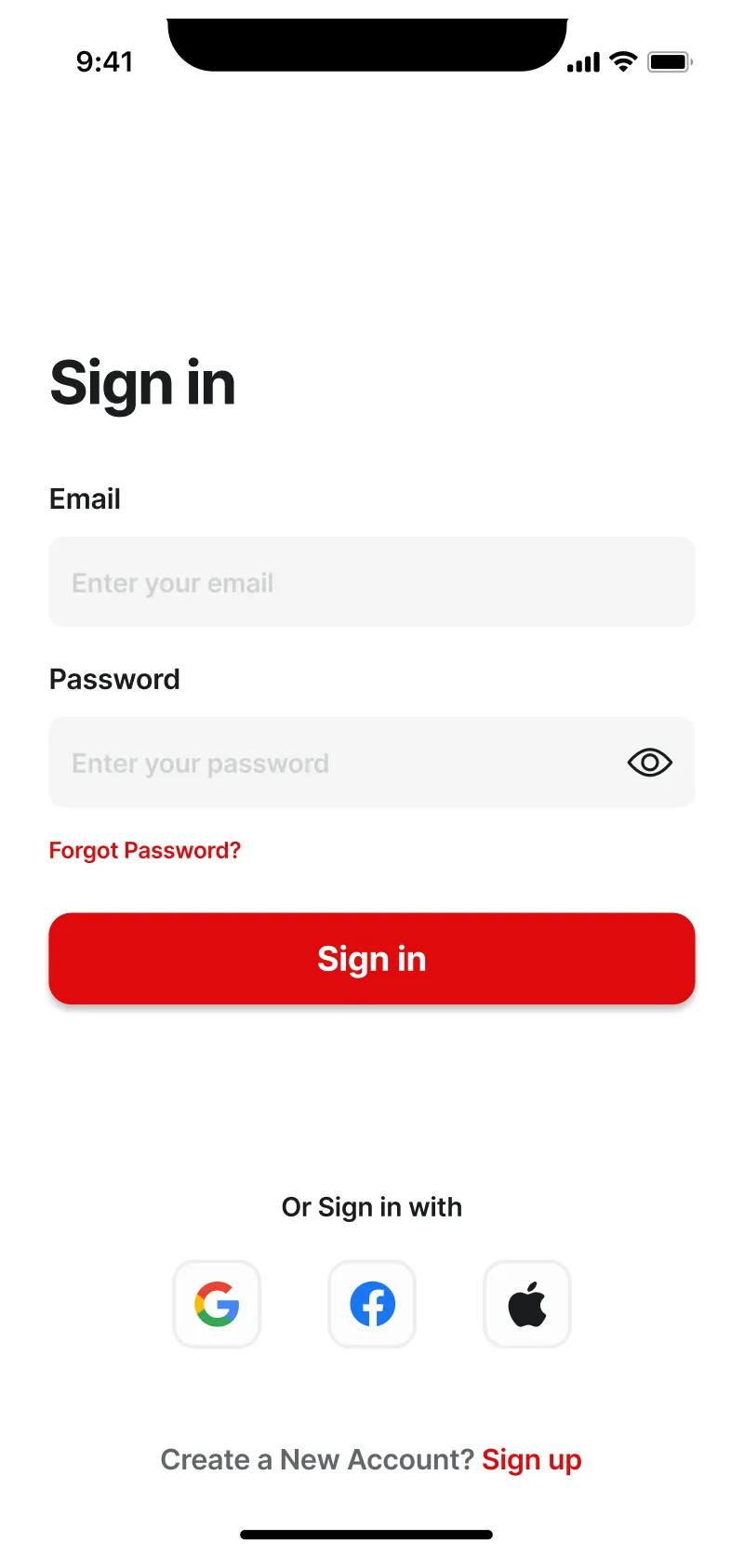
Figma Mobile Login Page Design – User-Friendly Screen UI
Mobile · Login

Figma Progress Bar Component - Stylish Progress Tracking for Websites
Progress Bar · Dashboard · Design System
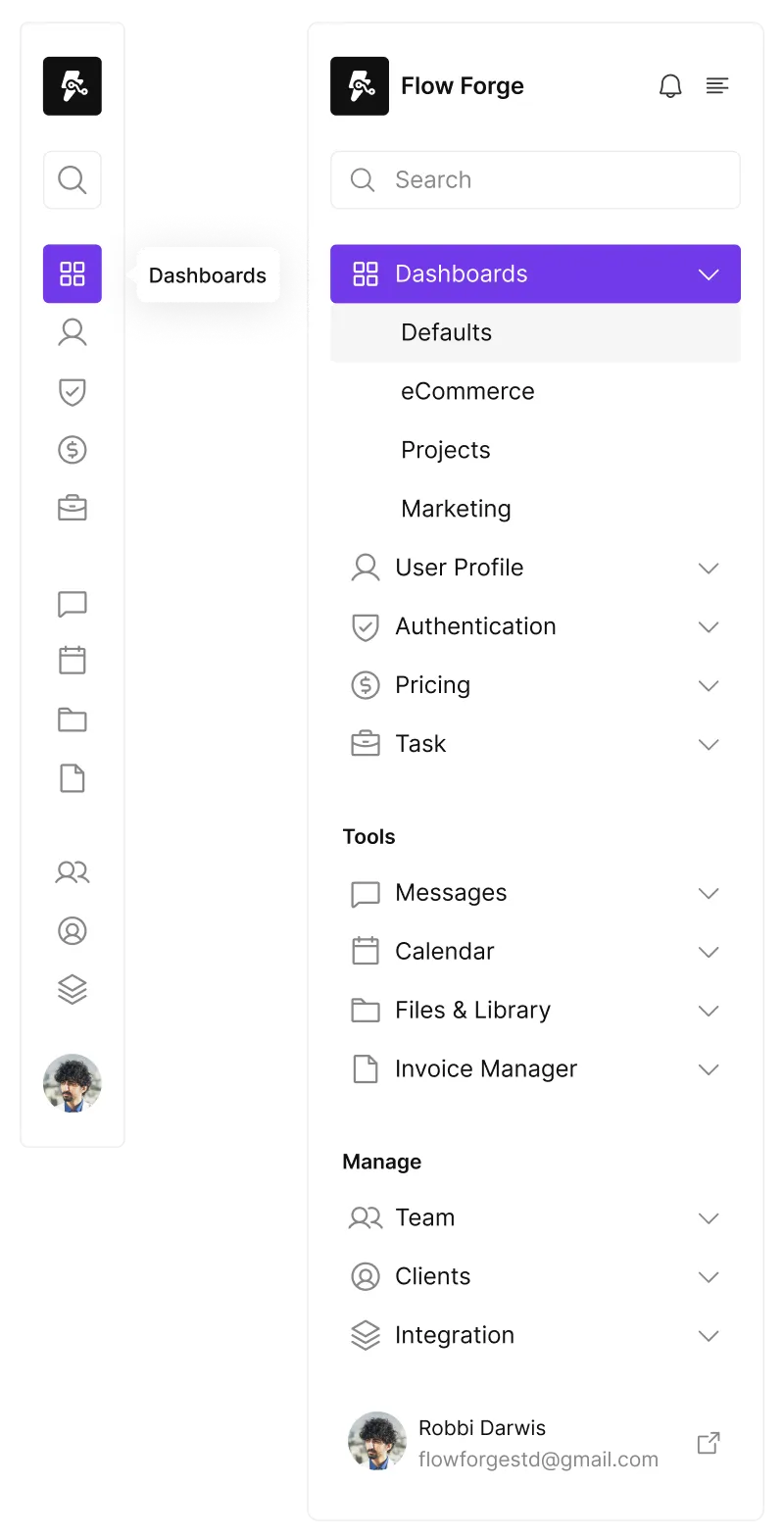
Responsive Sidebar Component for Figma - Seamless Navigation Design
Website · Dashboard · Menu · Sidebar
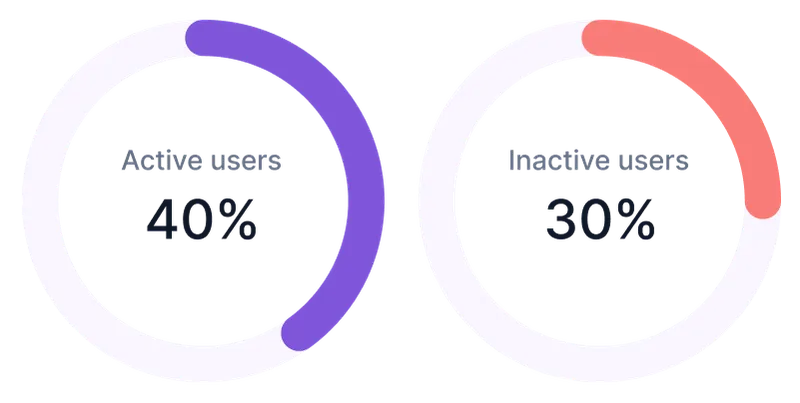
Figma Circle Progress Bar Component for Visual Data Display
Chart · Progress Bar · Website · Dashboard

Menu 3 Component - Figma UI Design Element
Navigation · Header · Dashboard · Menu · Figcomponents
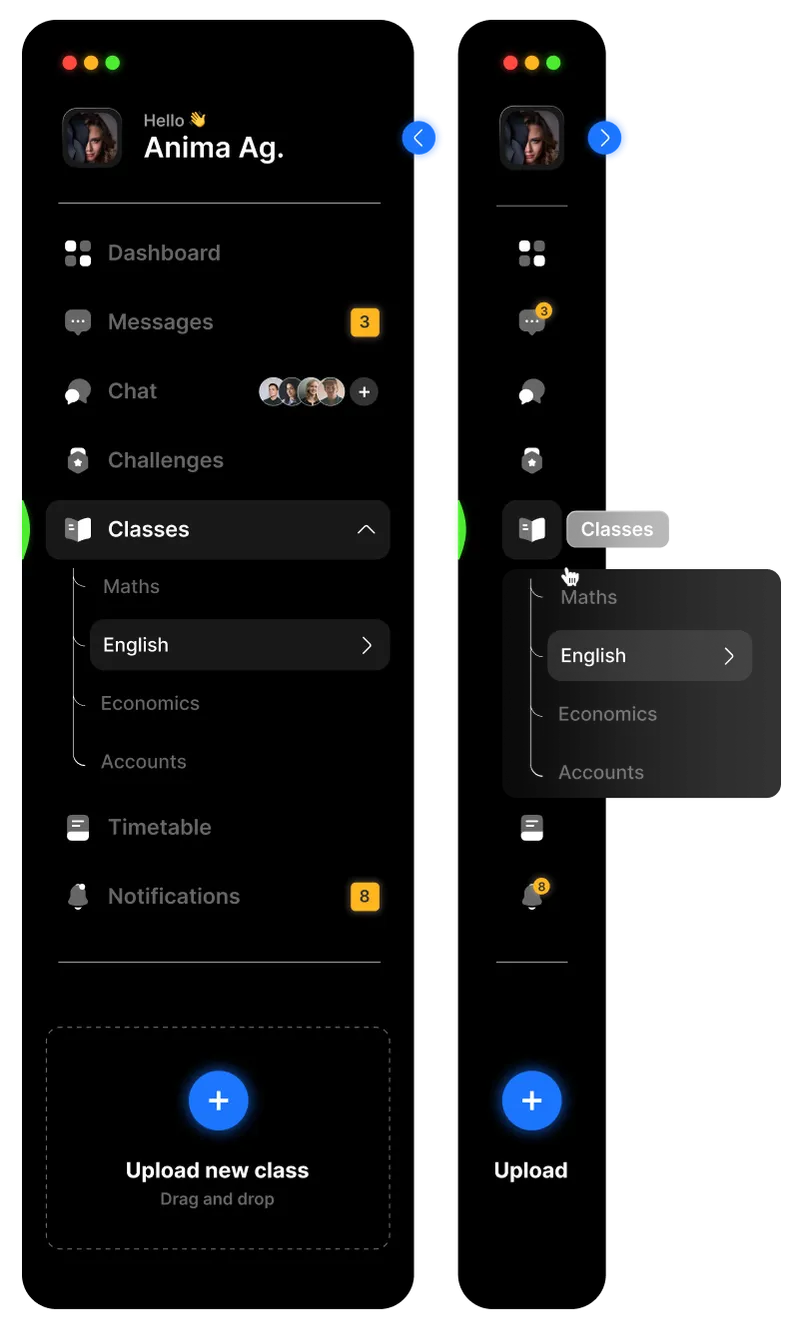
Dark Theme Responsive Sidebar Component for Figma - Sleek Navigation Design
Website · Dashboard · Menu · Sidebar
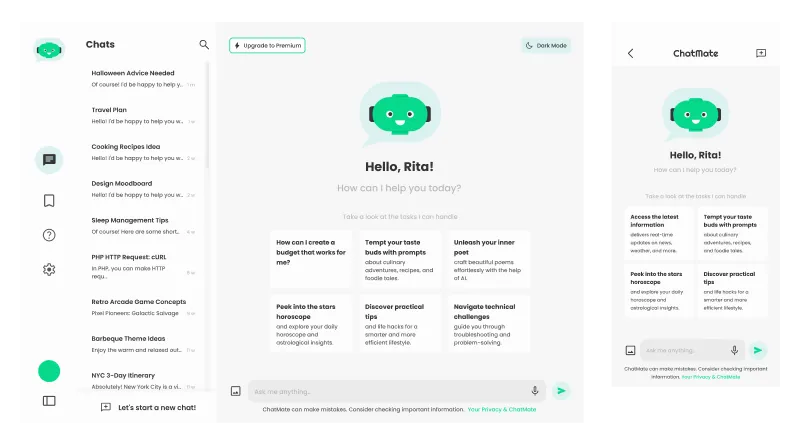
AI Chatbot Dashboard - Figma Components
Dashboard · AI
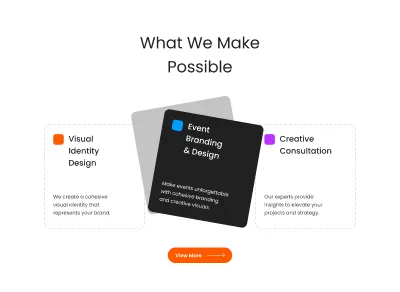
Figma Three Cards Section Component for Websites
Card · Grid · Website · Dashboard · Section · Landing Page
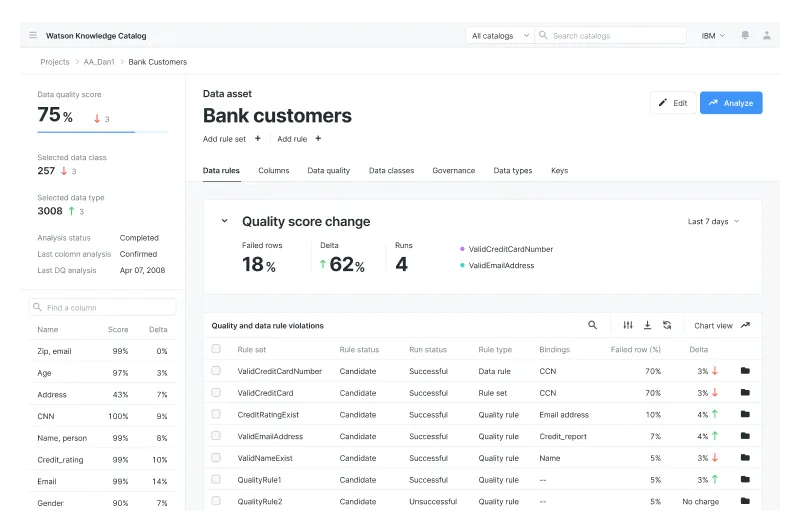
Figma Dashboard for Complex Data Visualization
Table · Dashboard
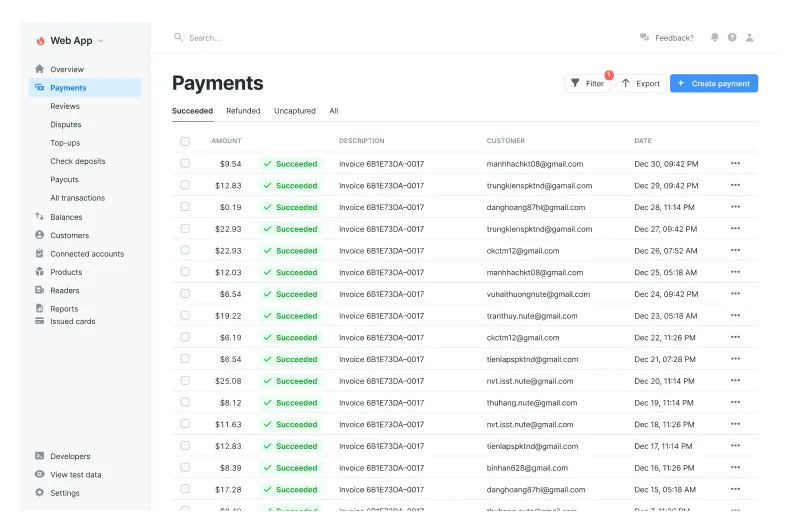
Dashboard Table Component
Table · Dashboard · Payment