Laptop Mockup Component
Explore a clean and customizable Laptop mockup Component for Figma.
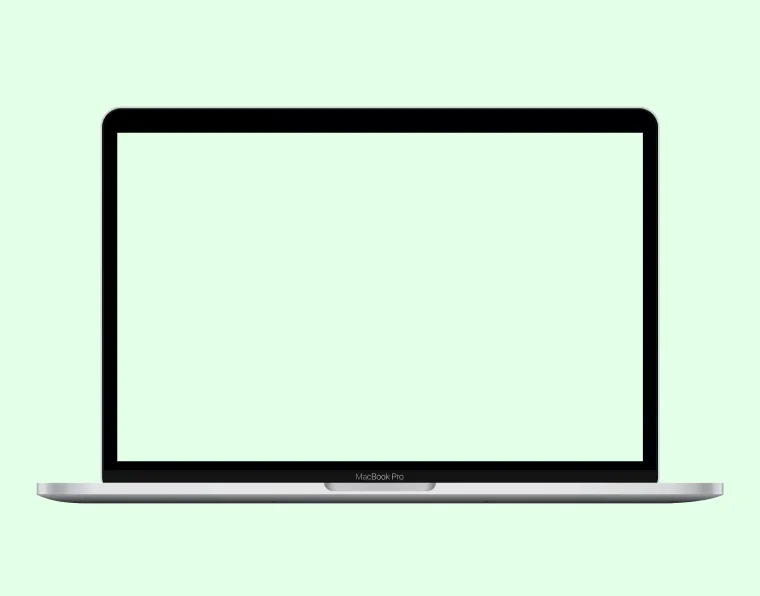
Paste into Figma with ⌘V (Mac) or Ctrl+V (Windows).
How to use
- 1Click Copy component above.
- 2Open your Figma file.
- 3Press ⌘V or Ctrl+V — the component will paste as native Figma layers, fully editable.
More like this
Same categories as Laptop Mockup Component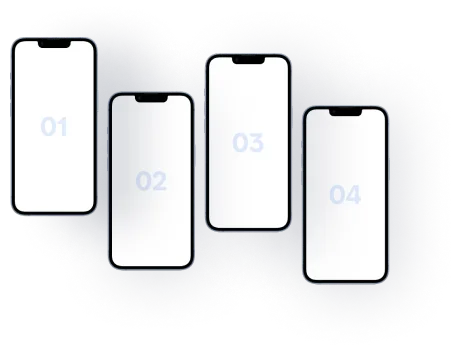
iPhone Mockup with 4 Displays - Multi-Device Showcase
Mobile · Mockup
Application Component - Figma UI Design Element
Website · Section · Landing Page · Mockup · Figcomponents

Testimonial Component - Figma UI Design Element
Website · Section · Landing Page · Testimonials · Mockup · Figcomponents
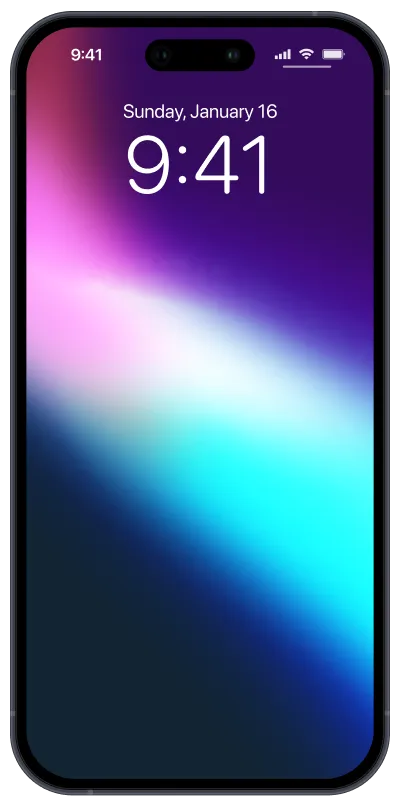
iPhone 16 Mockup - Showcase Future-Ready Designs
Mobile · Mockup
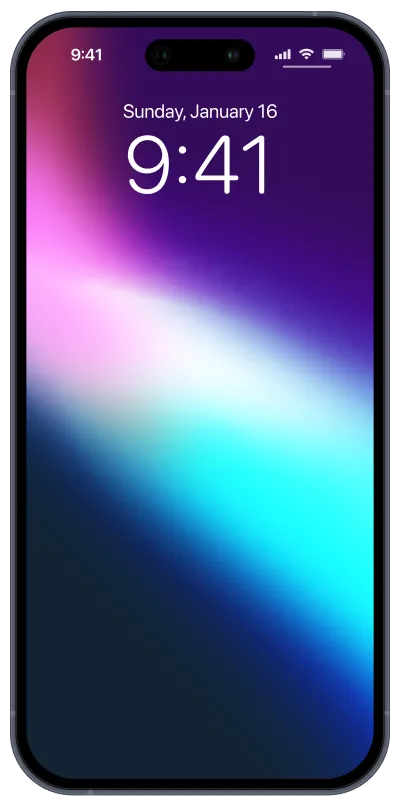
iPhone 15 Pro Blue Titanium Mockup - Premium Design
Mobile · Mockup
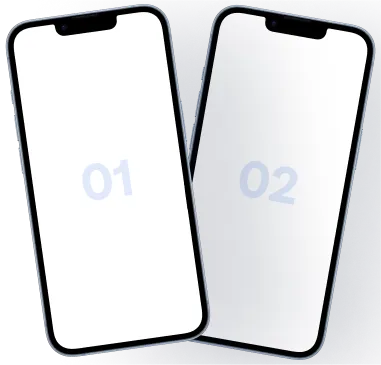
iPhone Mockup - Dual Mobile Display Design
Mobile · Mockup
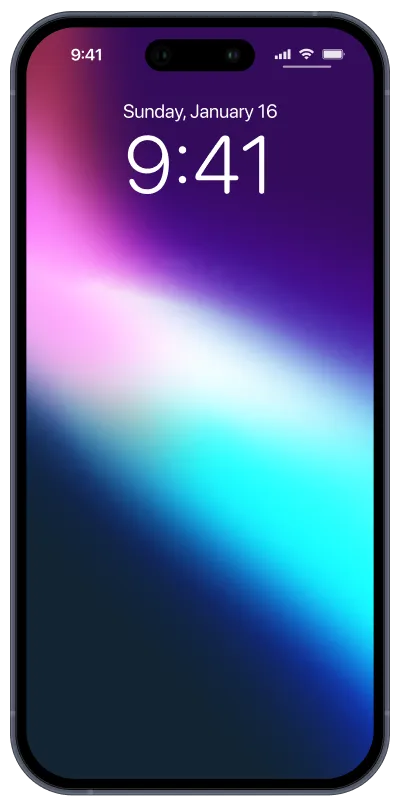
iPhone 15 Pro Mockup - Sleek & Modern Design
Mobile · Mockup
iPhone Mockup - Mobile Display Showcase
Mobile · Mockup
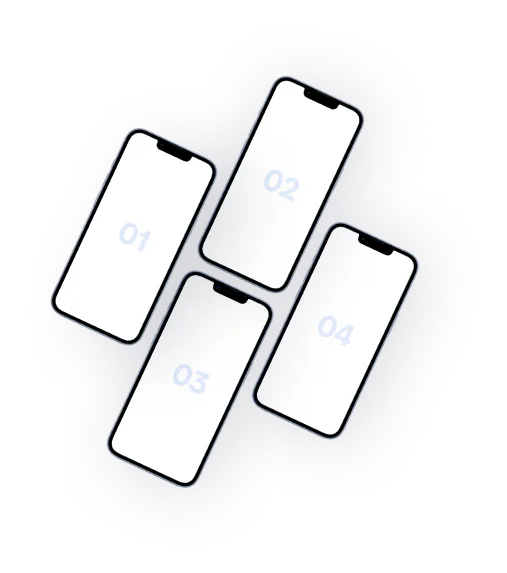
iPhone Mockup - 4 Mobile Display Layout
Mobile · Mockup
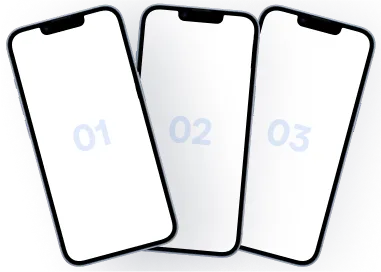
iPhone Mockup - 3 Mobile Display Layout
Mobile · Mockup