Political Campaign Hero Section with Image Collage – Figma
A bold, editorial hero section for campaign, advocacy and news-style landing pages. It pairs a large two-color headline with a short intro, a primary and secondary CTA, and a row of key facts, set against a soft blue gradient. On the right, a rounded photo collage with a floating badge and sparkle accents adds depth and movement. Includes a simple top navigation with a highlighted call-to-action button. Fully editable in Figma — swap the photos, colors and copy to fit any campaign, nonprofit, event or awareness website.
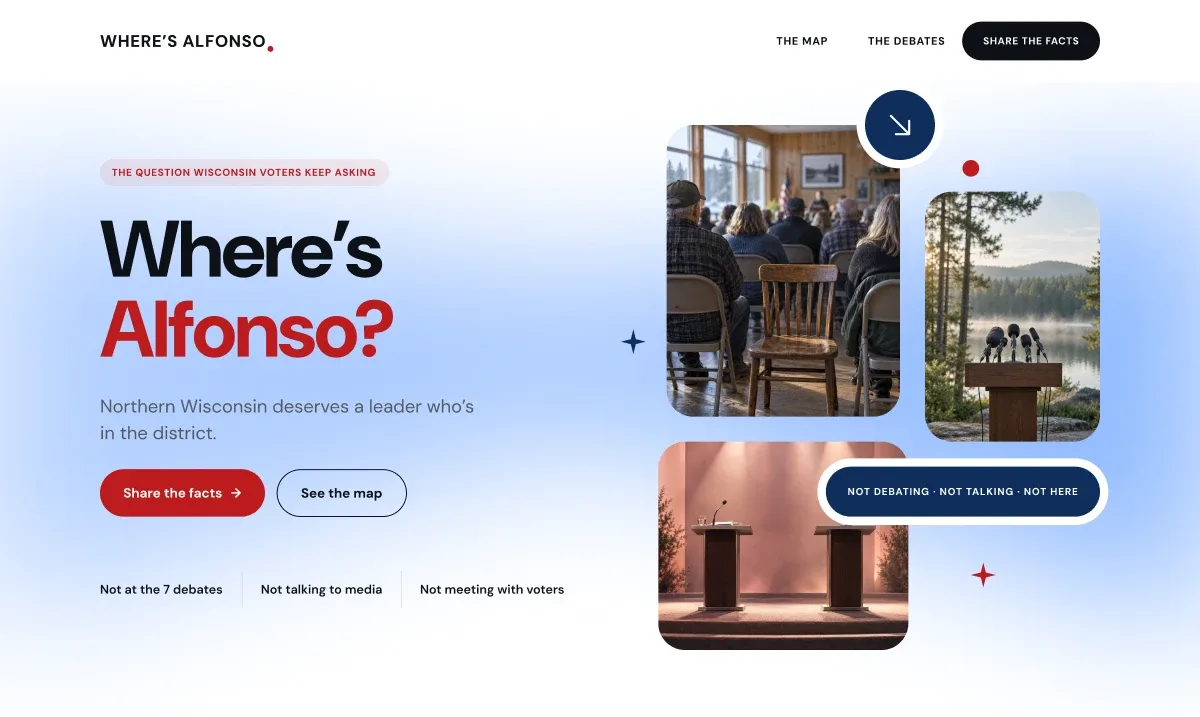
Paste into Figma with ⌘V (Mac) or Ctrl+V (Windows).
How to use
- 1Click Copy component above.
- 2Open your Figma file.
- 3Press ⌘V or Ctrl+V — the component will paste as native Figma layers, fully editable.
More like this
Same categories as Political Campaign Hero Section with Image Collage – Figma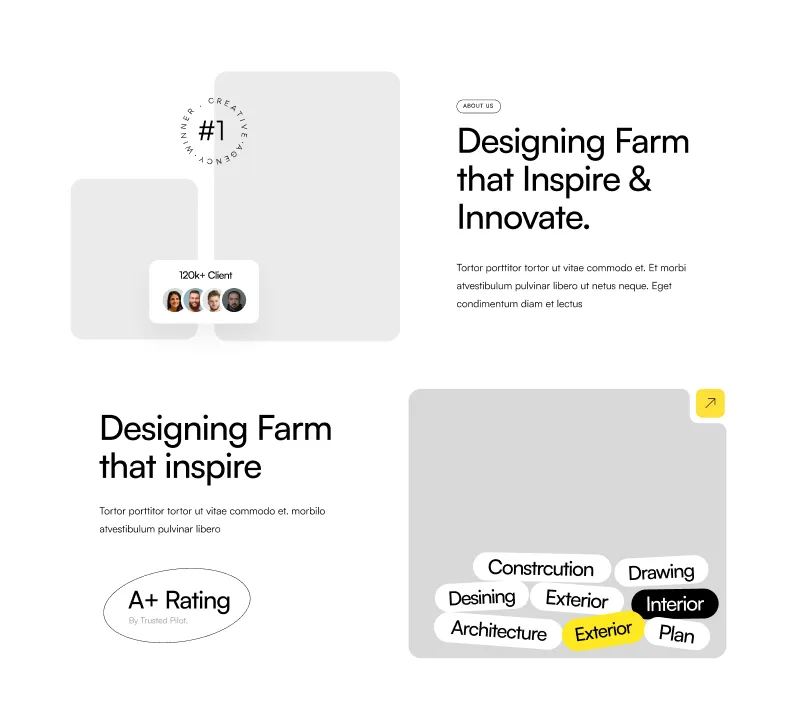
About Section - Modern Figma Component for Websites
Website · Section · About Us · Landing Page · Services

1 Component - Figma UI Design Element
Website · Section · Landing Page · Figcomponents
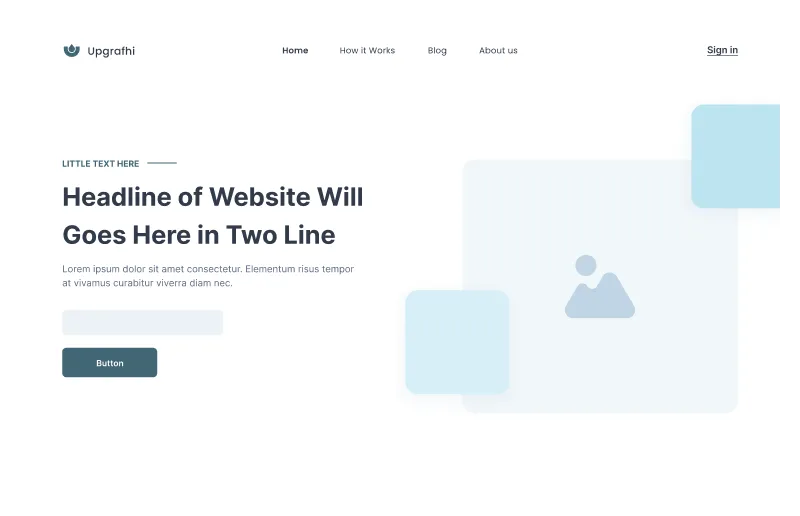
Figma Website Hero Section for Impactful Designs
Website · Hero · Landing Page · Wireframe

Figma Card Section
Card · Grid · Website · Section · Landing Page · Services

1 Component - Figma UI Design Element
Form · Website · Dashboard · Login · Figcomponents

Contact Component - Figma UI Design Element
Website · Section · Contact Us · Figcomponents

Contact Component - Figma UI Design Element
Website · Section · Landing Page · Contact Us · Figcomponents

Customizable Website Section - Figma Component for Modern Designs
Website · Section · Landing Page

3 Component - Figma UI Design Element
Website · Section · About Us · Landing Page · Wireframe · Figcomponents

Dynamic Hero Section - Perfect for Any Website
Header · Website · Hero

FAQ Component - Figma UI Design Element
Website · Faqs · Landing Page · Figcomponents
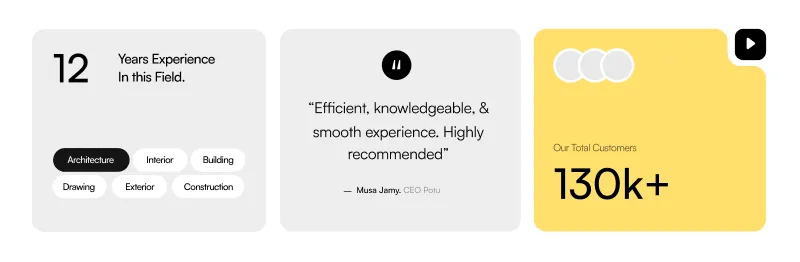
About Company Section - Professional Figma Website Component
Card · Website · About Us · Landing Page · Testimonials