Shift Picker Mobile App Screen with Job Role Cards
A mobile app screen for picking a work shift: a venue header with photo, date chip and location, then a two-column grid of open role cards showing hourly pay, shift hours, duration and estimated total, with a highlighted top-pay card. Ready-to-edit Figma layers for job, staffing and gig marketplace apps.
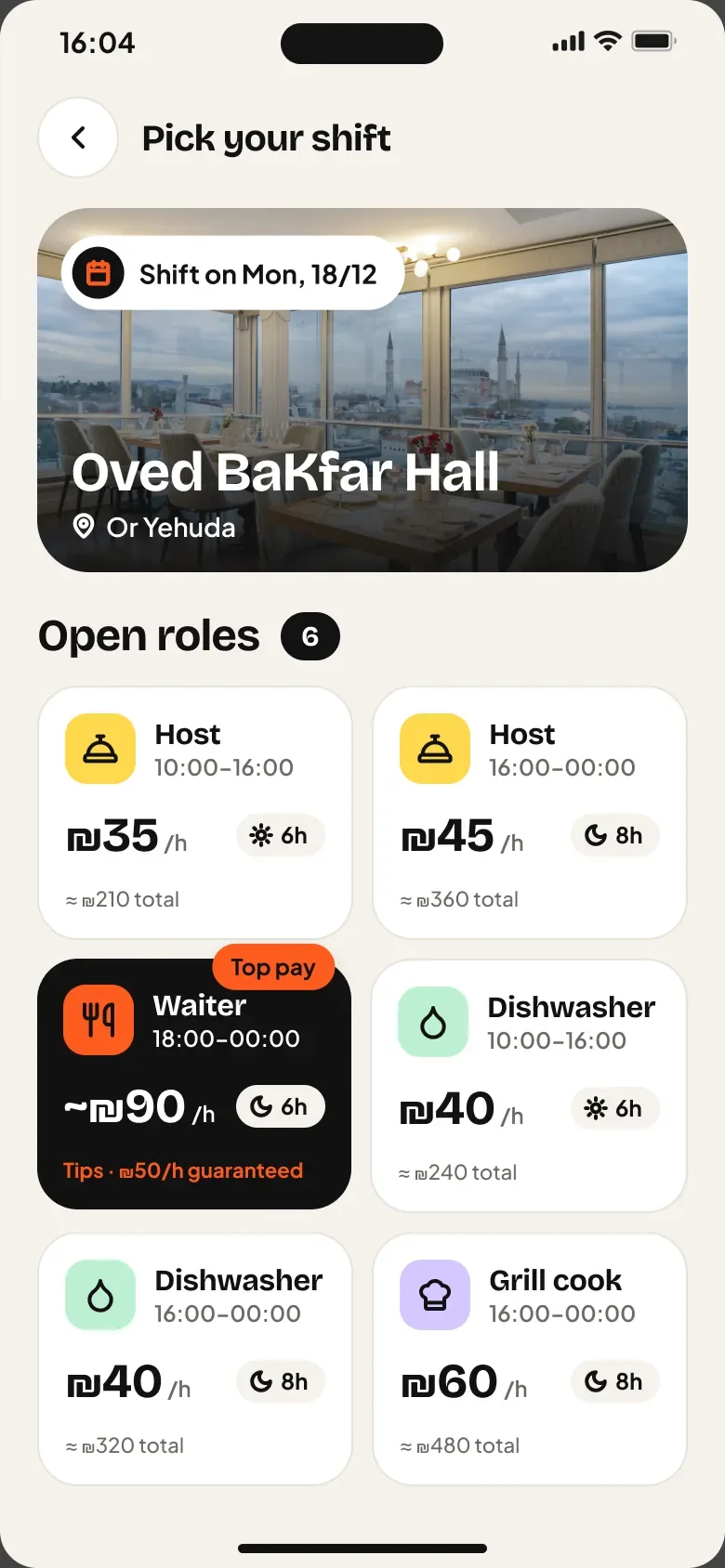
Paste into Figma with ⌘V (Mac) or Ctrl+V (Windows).
How to use
- 1Click Copy component above.
- 2Open your Figma file.
- 3Press ⌘V or Ctrl+V — the component will paste as native Figma layers, fully editable.
More like this
Same categories as Shift Picker Mobile App Screen with Job Role Cards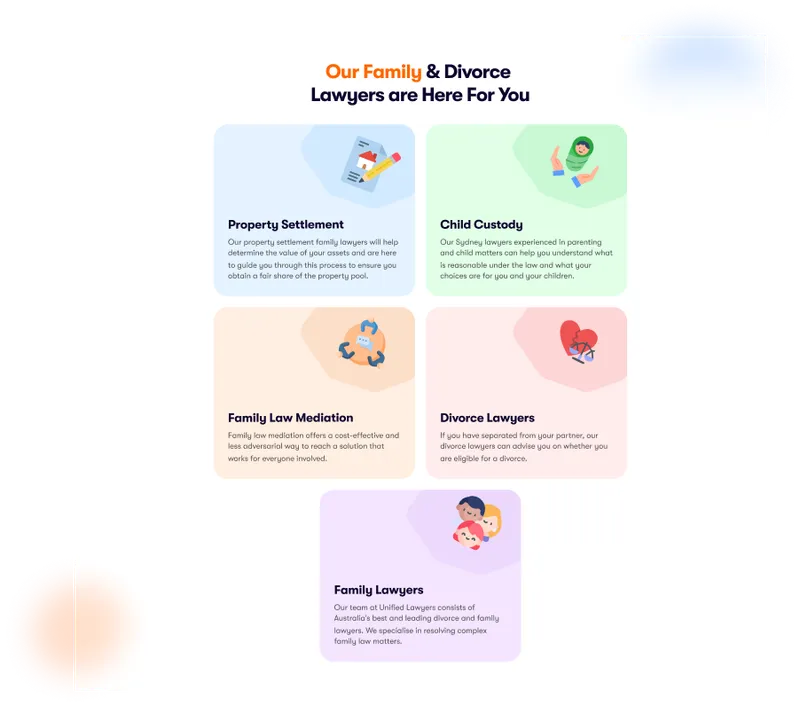
Figma Card Section
Card · Grid · Website · Section · Landing Page · Services
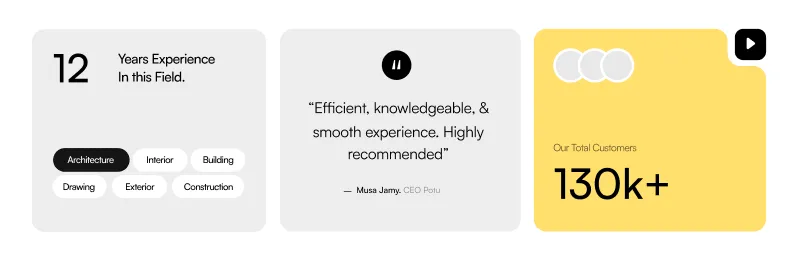
About Company Section - Professional Figma Website Component
Card · Website · About Us · Landing Page · Testimonials
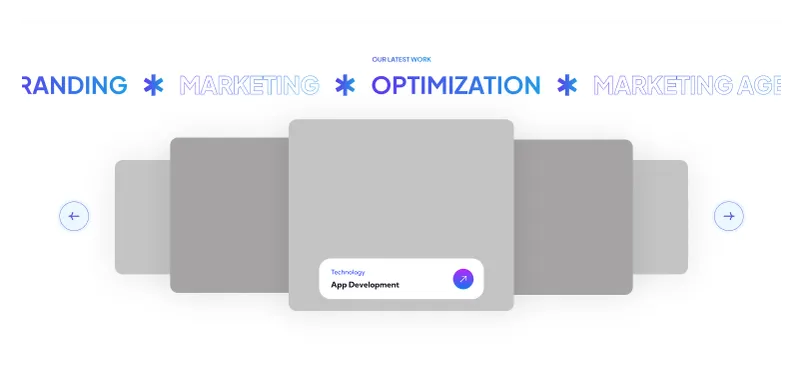
Figma Website Section for Showcasing Latest Work
Card · Slider · Website · Portfolio · Section · Landing Page
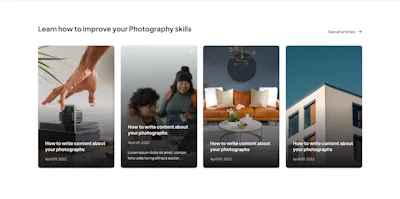
Article Grid Component - Figma UI Design Element
Card · Grid · Website · Blog · Figcomponents
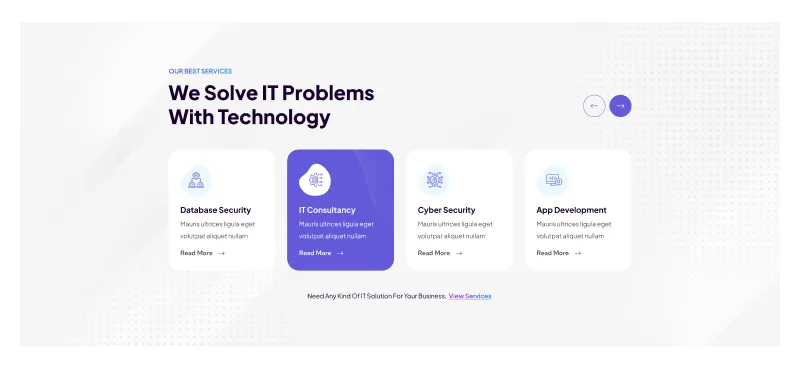
Figma Website Section for Our Best Services – Showcase Excellence
Card · Grid · Website · Section · Landing Page · Services
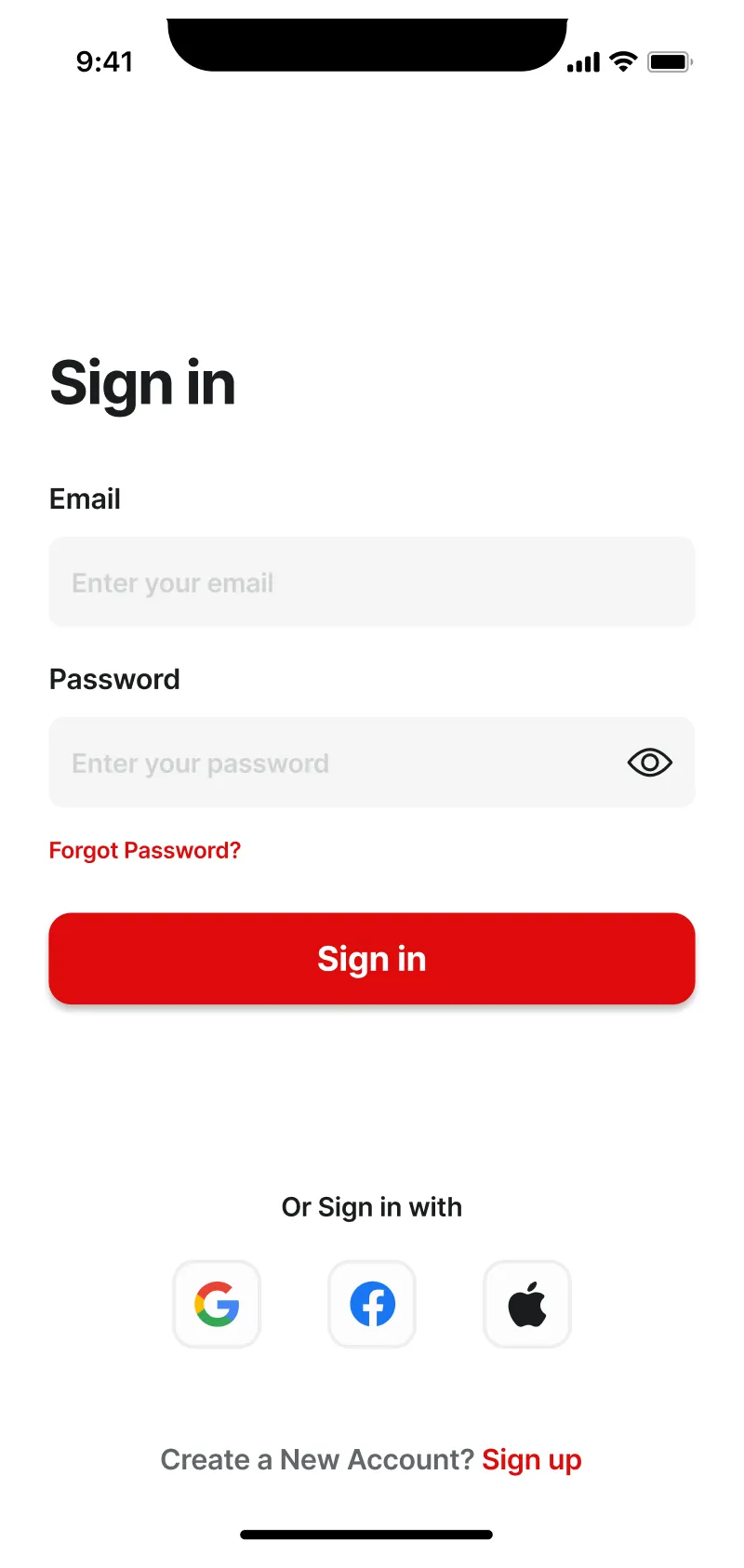
Figma Mobile Login Page Design – User-Friendly Screen UI
Mobile · Login
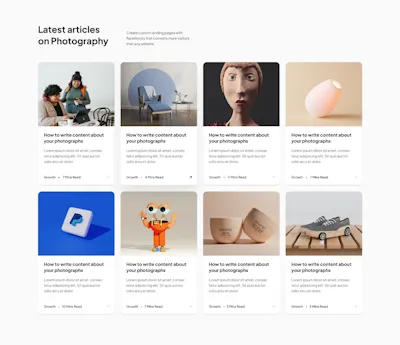
Article Grid Component - Figma UI Design Element
Card · Grid · Website · Blog · Figcomponents
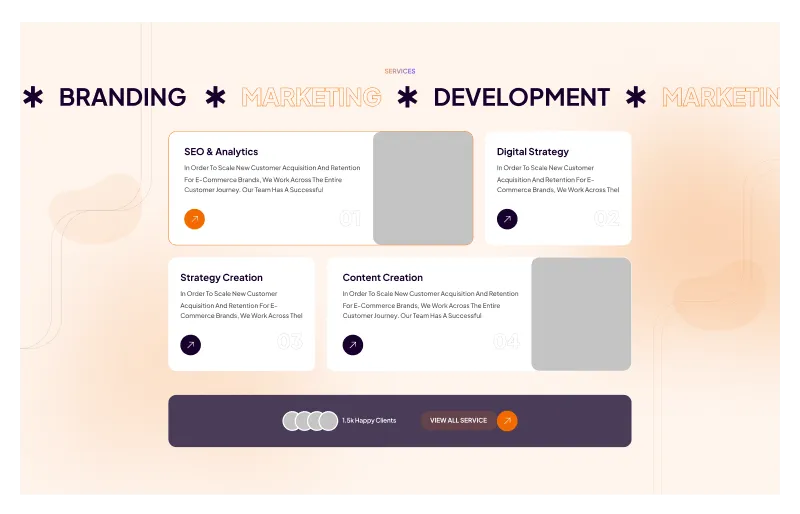
Figma Services Section for Website Design
Card · Grid · Website · Landing Page · Services

Article Grid Component - Figma UI Design Element
Card · Grid · Website · Blog · Figcomponents

Article Grid Component - Figma UI Design Element
Card · Grid · Website · Blog · Figcomponents

Article List Component - Figma UI Design Element
Card · Grid · Website · Blog · Figcomponents
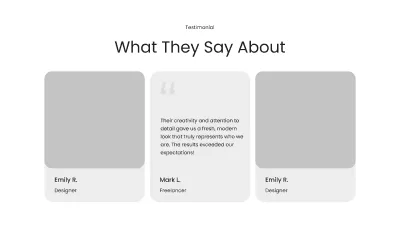
Figma Website Testimonial Components
Card · Website · Landing Page · Testimonials