Figma Website Blogs Detail Section Component for Content Showcasing
Highlight your latest articles with our Figma blogs detail section component, featuring an elegant design to boost engagement and improve readability.
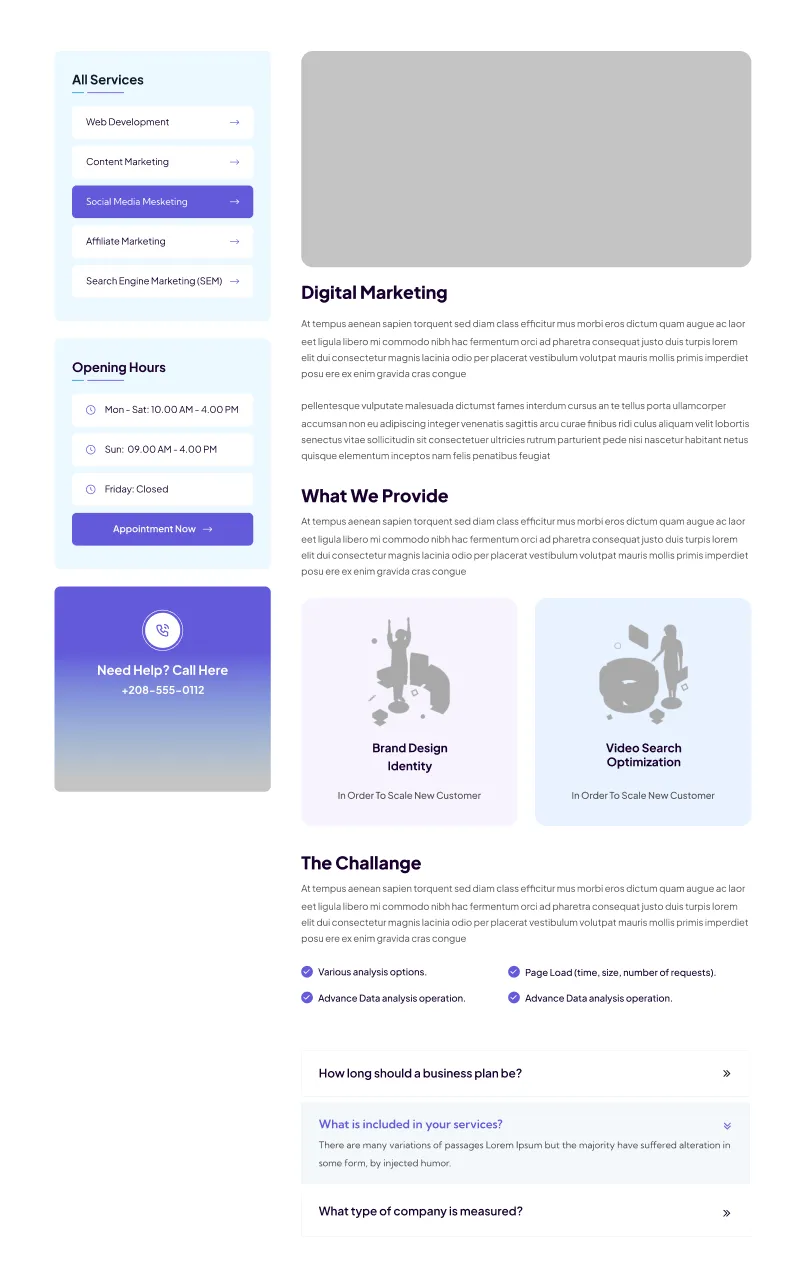
Paste into Figma with ⌘V (Mac) or Ctrl+V (Windows).
How to use
- 1Click Copy component above.
- 2Open your Figma file.
- 3Press ⌘V or Ctrl+V — the component will paste as native Figma layers, fully editable.
More like this
Same categories as Figma Website Blogs Detail Section Component for Content Showcasing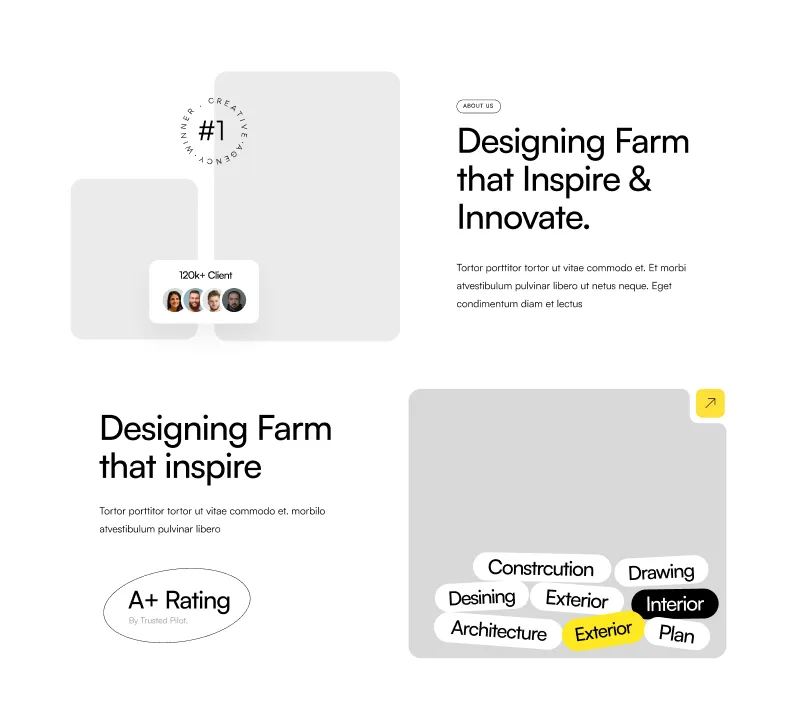
About Section - Modern Figma Component for Websites
Website · Section · About Us · Landing Page · Services

1 Component - Figma UI Design Element
Website · Section · Landing Page · Figcomponents
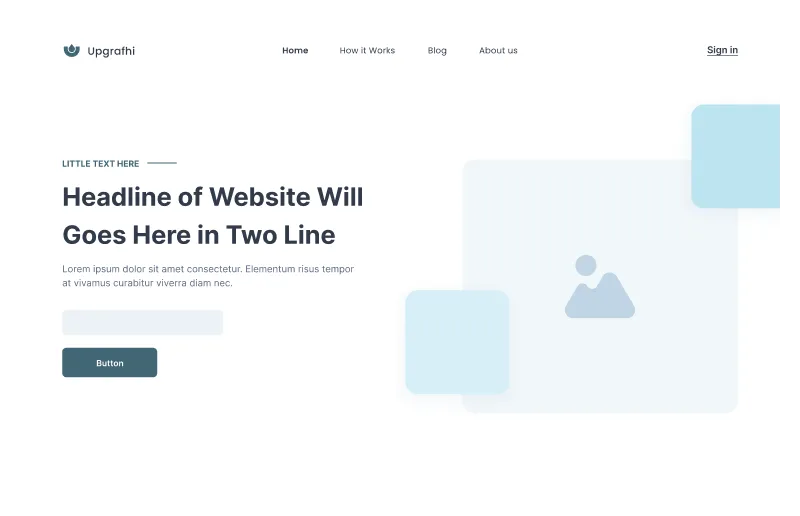
Figma Website Hero Section for Impactful Designs
Website · Hero · Landing Page · Wireframe

Figma Card Section
Card · Grid · Website · Section · Landing Page · Services

1 Component - Figma UI Design Element
Form · Website · Dashboard · Login · Figcomponents

Contact Component - Figma UI Design Element
Website · Section · Contact Us · Figcomponents

Contact Component - Figma UI Design Element
Website · Section · Landing Page · Contact Us · Figcomponents
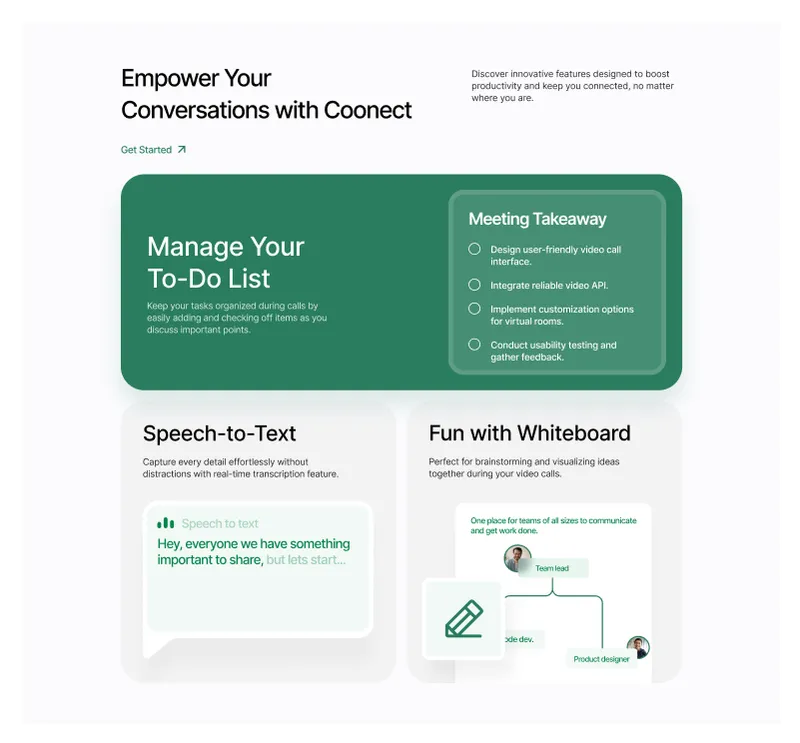
Customizable Website Section - Figma Component for Modern Designs
Website · Section · Landing Page
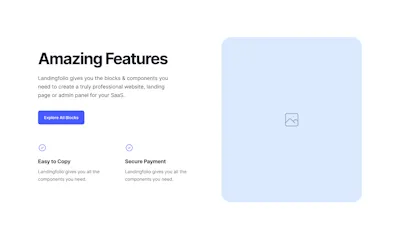
3 Component - Figma UI Design Element
Website · Section · About Us · Landing Page · Wireframe · Figcomponents
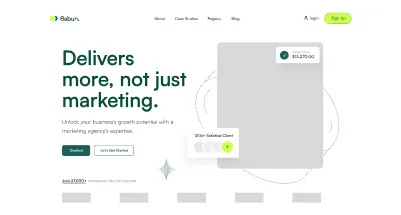
Dynamic Hero Section - Perfect for Any Website
Header · Website · Hero

FAQ Component - Figma UI Design Element
Website · Faqs · Landing Page · Figcomponents
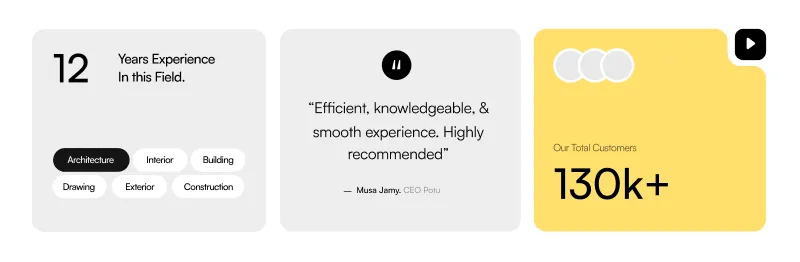
About Company Section - Professional Figma Website Component
Card · Website · About Us · Landing Page · Testimonials