Figma Mobile Bottom Tab Navigation – Streamlined User Interface
Create intuitive mobile experiences with a stylish bottom tab navigation component in Figma, optimized for user-friendly interaction.
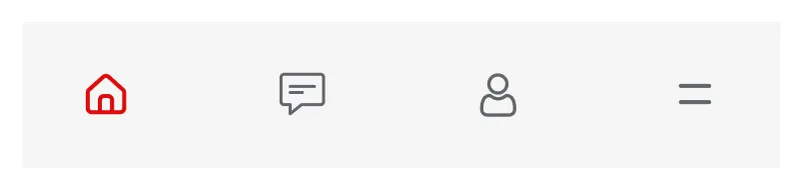
Paste into Figma with ⌘V (Mac) or Ctrl+V (Windows).
How to use
- 1Click Copy component above.
- 2Open your Figma file.
- 3Press ⌘V or Ctrl+V — the component will paste as native Figma layers, fully editable.
More like this
Same categories as Figma Mobile Bottom Tab Navigation – Streamlined User Interface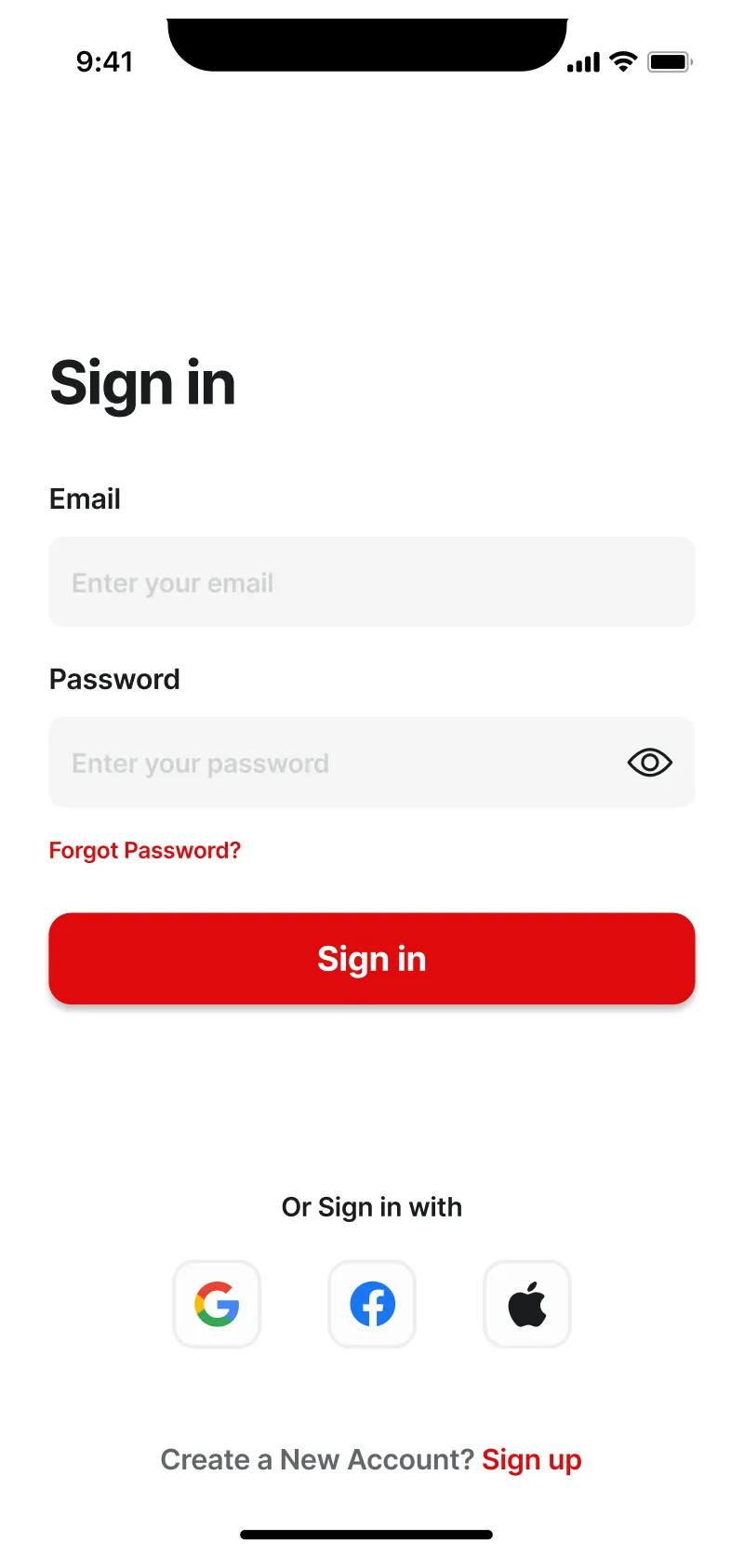
Figma Mobile Login Page Design – User-Friendly Screen UI
Mobile · Login

Menu 3 Component - Figma UI Design Element
Navigation · Header · Dashboard · Menu · Figcomponents
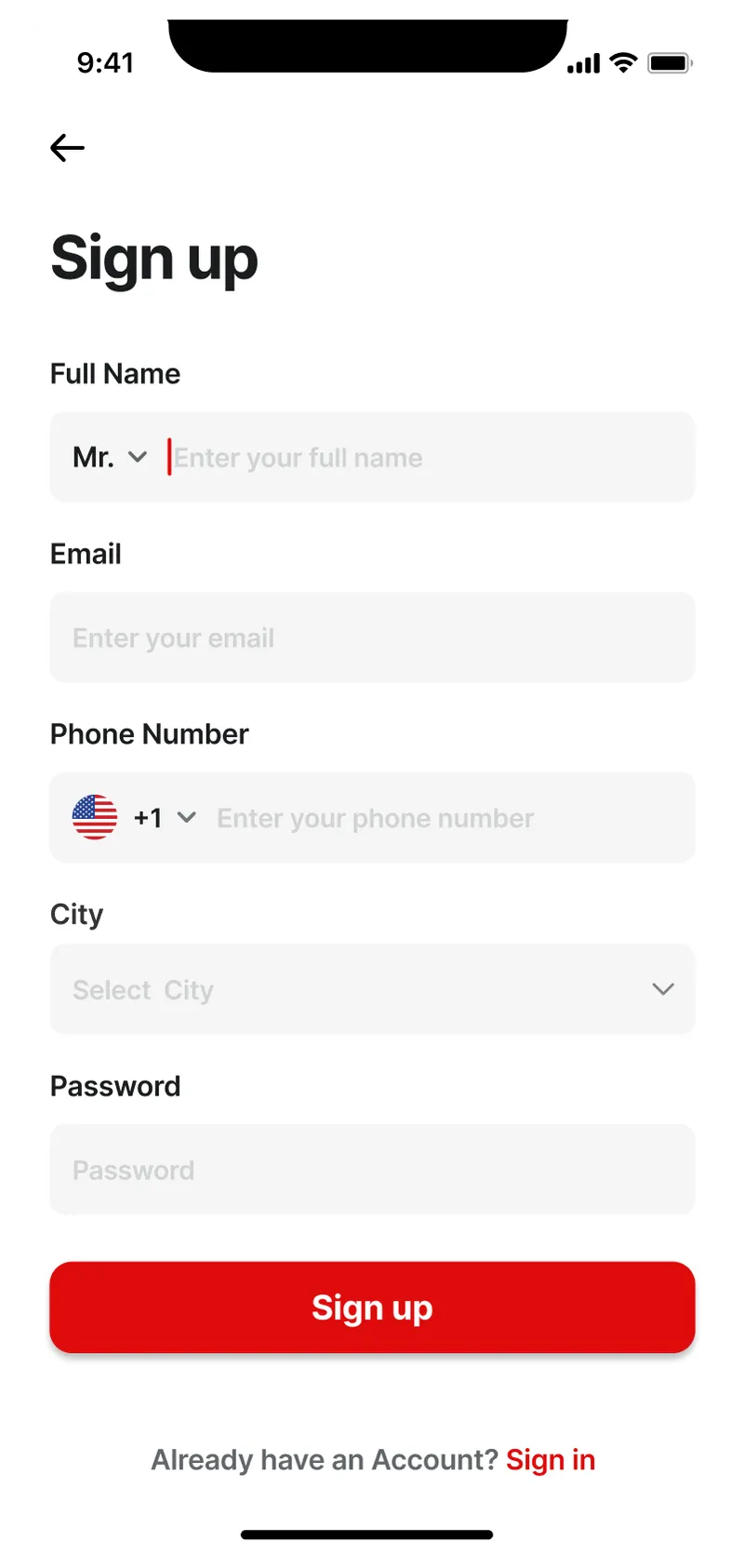
Figma Mobile Sign-Up Screen – Modern & User-Friendly Design
Form · Mobile · Sign up
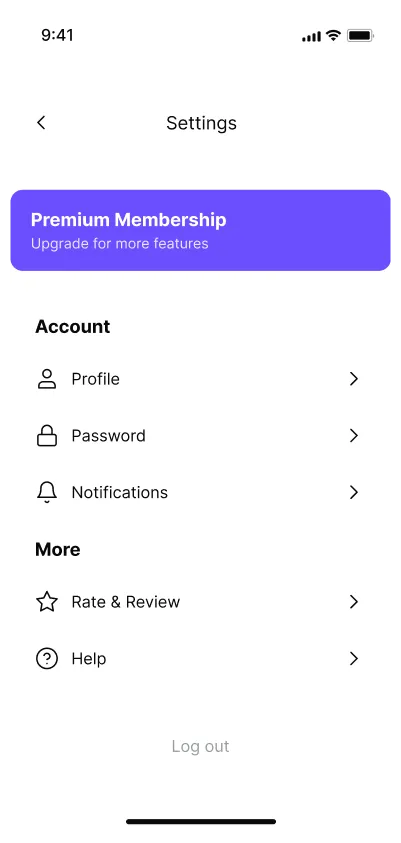
Mobile App Settings Page - Intuitive Controls
Mobile · Setting
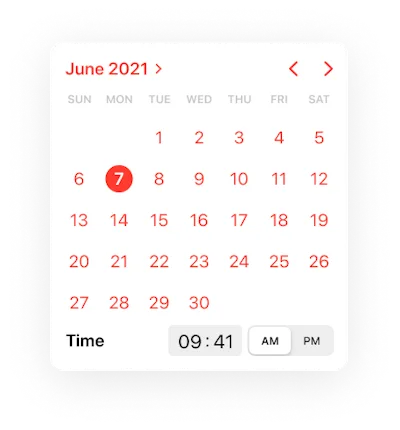
Calendar Component - Figma UI Design Element
Calendar · Design System · Mobile

Navigation menu horizontal Component - Figma UI Design Element
Navigation · Website · Menu · Ecommerce · Figcomponents
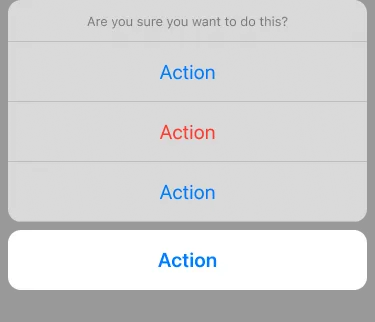
ActionSheet Component - Figma UI Design Element
Mobile
Settings Preview 1 Component - Figma UI Design Element
Tab · Website · Dashboard · Setting · Figcomponents
Navigation menu horizontal Component - Figma UI Design Element
Navigation · Website · Menu · Figcomponents
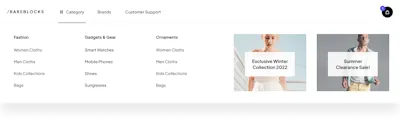
Navigation menu horizontal Component - Figma UI Design Element
Navigation · Website · Menu · Figcomponents

Step 5 Component - Figma UI Design Element
Tab · Steps · Website · Section · Figcomponents

Figma Website Section for Our Services Overview
Card · Tab · Website · Section · Landing Page