Figma Toggle Button Component for Interactive UI Design
Enhance user interaction with this responsive and customizable toggle button, perfect for settings, switches, and preferences in your web projects.
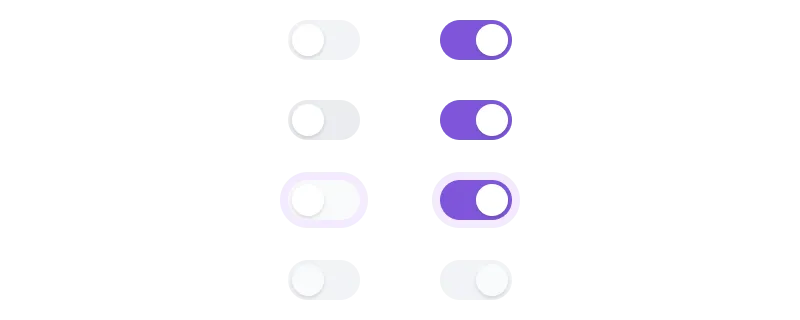
Paste into Figma with ⌘V (Mac) or Ctrl+V (Windows).
How to use
- 1Click Copy component above.
- 2Open your Figma file.
- 3Press ⌘V or Ctrl+V — the component will paste as native Figma layers, fully editable.
More like this
Same categories as Figma Toggle Button Component for Interactive UI Design
1 Component - Figma UI Design Element
Form · Website · Dashboard · Login · Figcomponents

Figma Progress Bar Component - Stylish Progress Tracking for Websites
Progress Bar · Dashboard · Design System
Contact Component - Figma UI Design Element
Form · Website · Landing Page · Contact Us · Figcomponents
Signup Component - Figma UI Design Element
Form · Sign up · Wireframe · Figcomponents
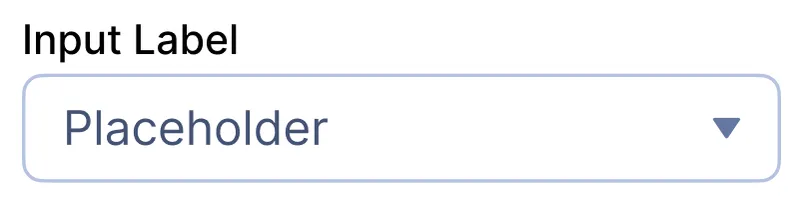
Select Dropdown Figma Component for Websites
Form · Website · Dropdown · Input · Select
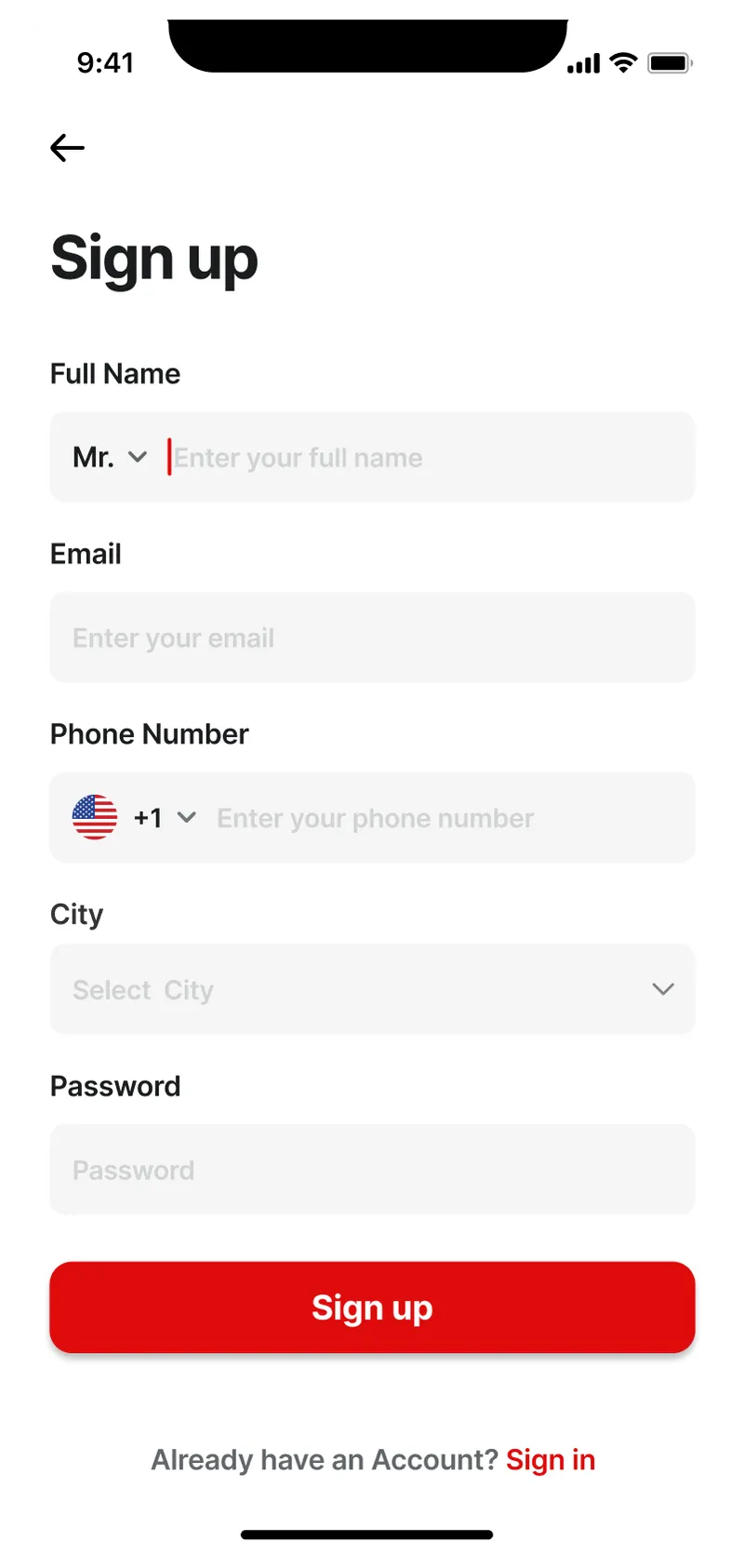
Figma Mobile Sign-Up Screen – Modern & User-Friendly Design
Form · Mobile · Sign up
Chart 4 Component - Figma UI Design Element
Chart · Dashboard · Design System
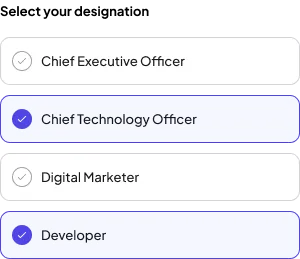
Checkbox Style 1 Component - Figma UI Design Element
Website · Dashboard · Design System · Checkbox · Figcomponents
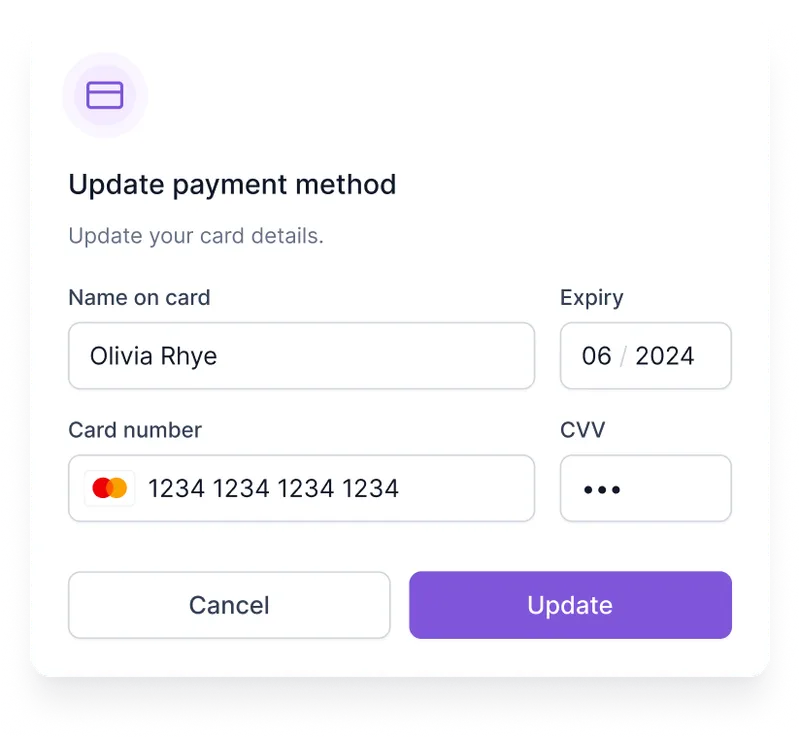
Update Payment Method Form for Websites - Figma Component
Form · Website · Dashboard · Input · Payment

Login Page
Form · Website · Dashboard · Input
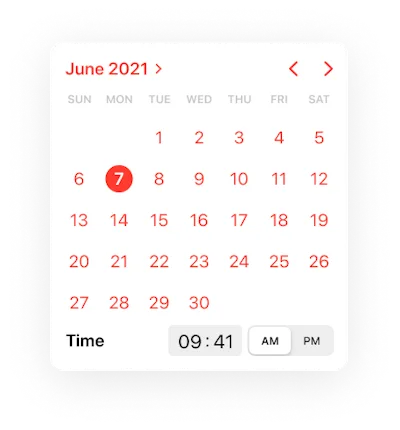
Calendar Component - Figma UI Design Element
Calendar · Design System · Mobile
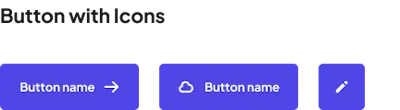
Icon Component - Figma UI Design Element
Button · Icon · Dashboard · Design System · Figcomponents