Figma Moodboard for your design concepts and ideas
A moodboard is a visual tool that helps you communicate your design concepts and ideas. It’s a curated collection of images, materials, colour palettes, text, and other elements.
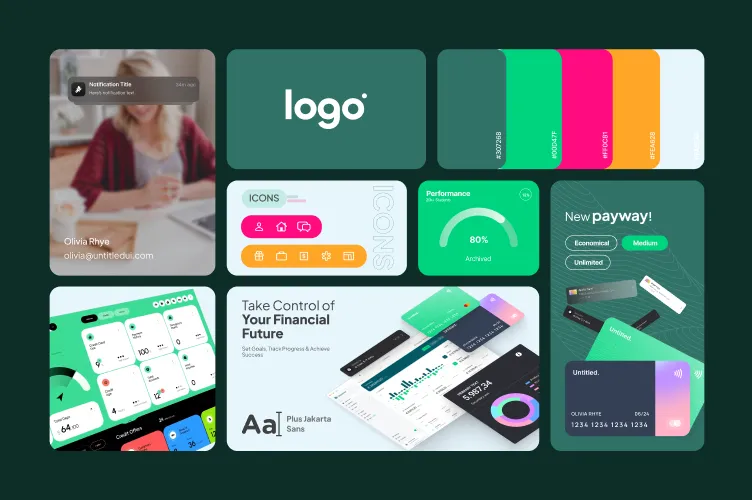
Paste into Figma with ⌘V (Mac) or Ctrl+V (Windows).
How to use
- 1Click Copy component above.
- 2Open your Figma file.
- 3Press ⌘V or Ctrl+V — the component will paste as native Figma layers, fully editable.
More like this
Same categories as Figma Moodboard for your design concepts and ideas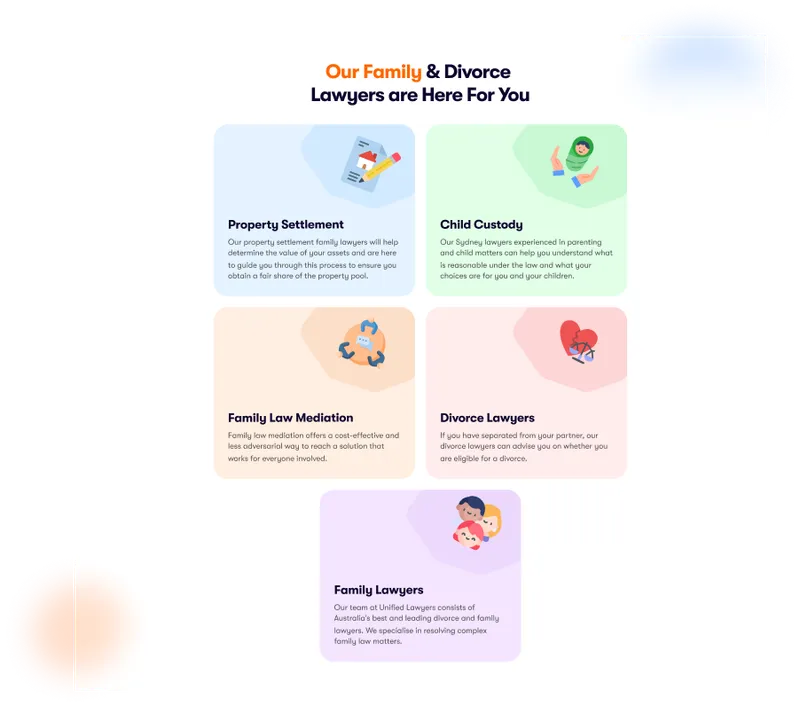
Figma Card Section
Card · Grid · Website · Section · Landing Page · Services
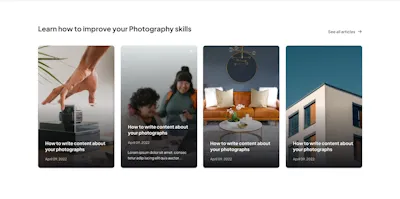
Article Grid Component - Figma UI Design Element
Card · Grid · Website · Blog · Figcomponents

Figma Website Section for Our Best Services – Showcase Excellence
Card · Grid · Website · Section · Landing Page · Services
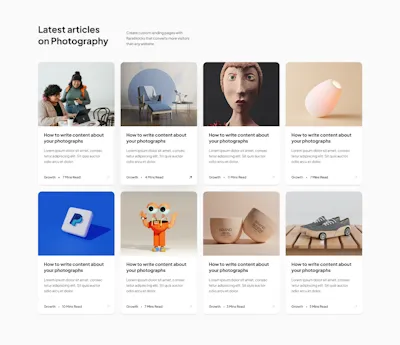
Article Grid Component - Figma UI Design Element
Card · Grid · Website · Blog · Figcomponents
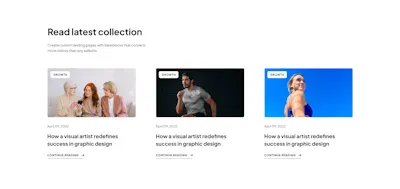
Article Grid Component - Figma UI Design Element
Card · Grid · Website · Blog · Figcomponents
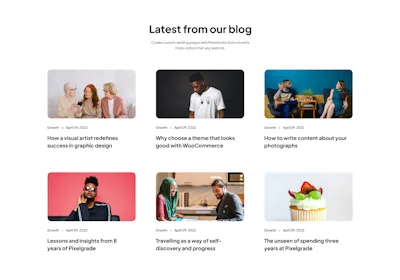
Article Grid Component - Figma UI Design Element
Card · Grid · Website · Blog · Figcomponents
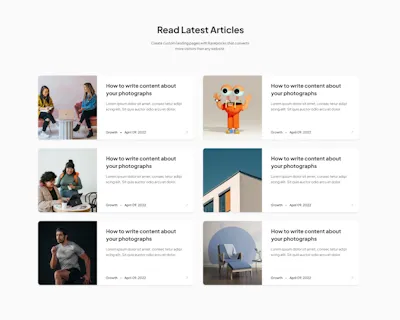
Article List Component - Figma UI Design Element
Card · Grid · Website · Blog · Figcomponents
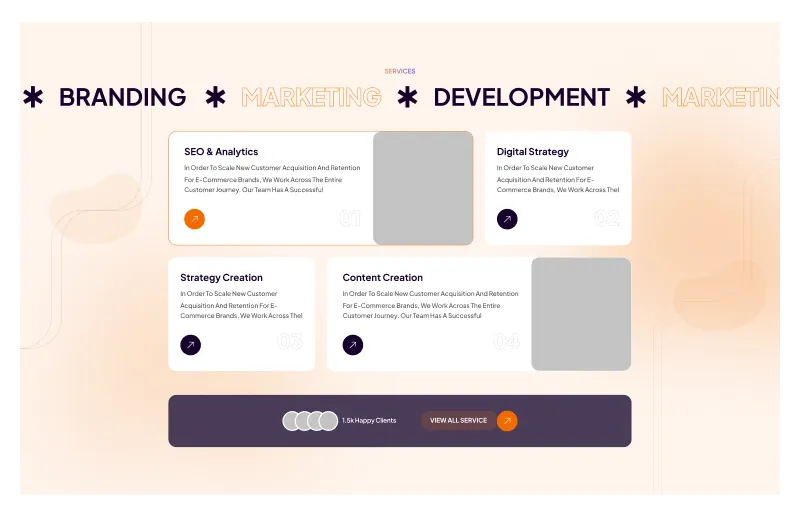
Figma Services Section for Website Design
Card · Grid · Website · Landing Page · Services
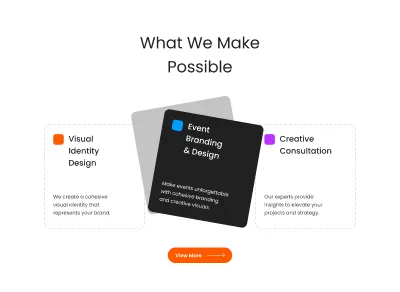
Figma Three Cards Section Component for Websites
Card · Grid · Website · Dashboard · Section · Landing Page
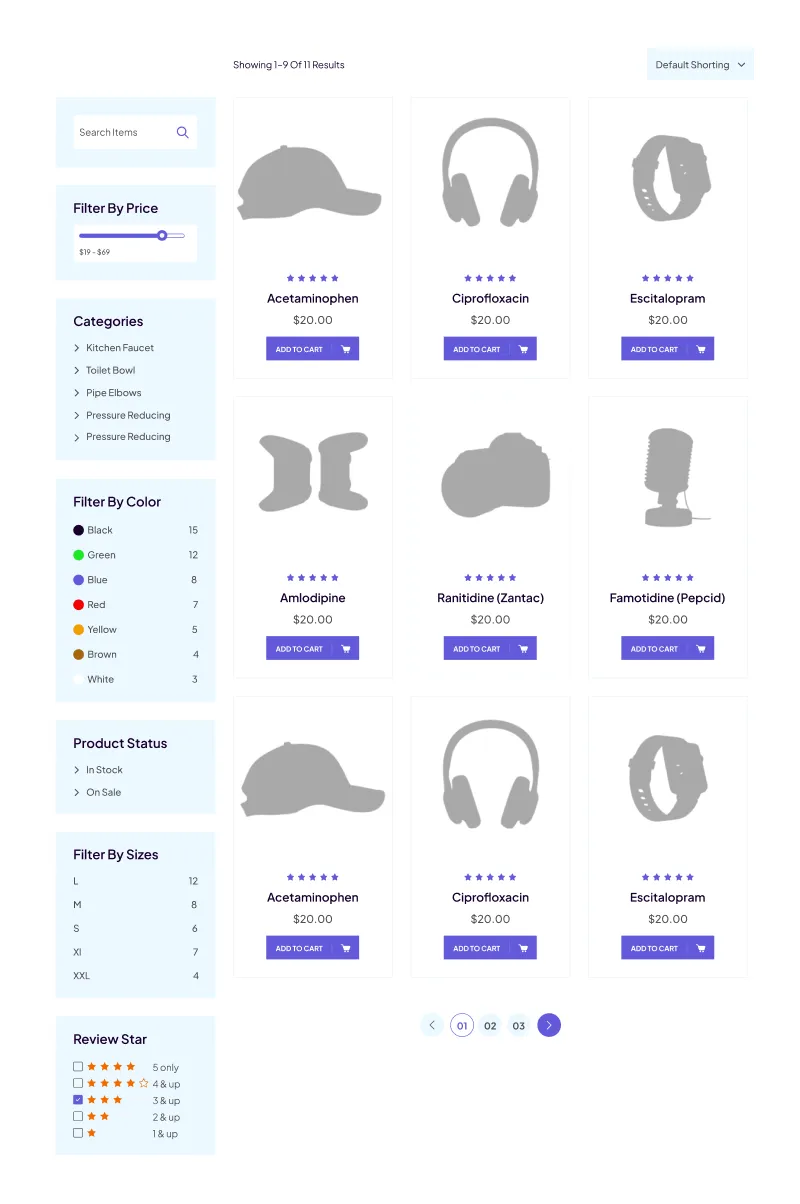
Figma Ecommerce Products Grid Section – Boost Your Online Store Design
Card · Grid · Website · Ecommerce
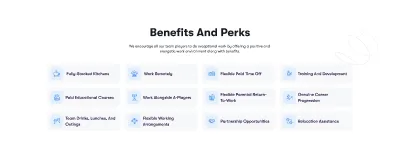
Icons Grid Section for Categories - Organized & Visual
Icon · Grid · Website · Section · Landing Page
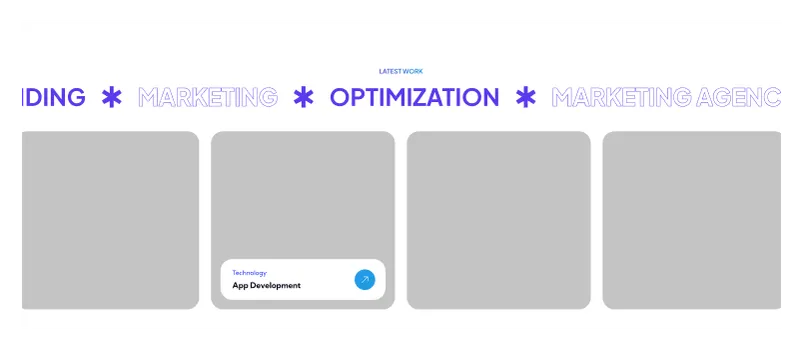
Figma Website Section for Showcasing Latest Work
Card · Grid · Website · Portfolio · Section · Landing Page