Figma Dashboard Table Component
Simplify data presentation with this sleek dashboard table component, perfect for showcasing stats, records, and insights efficiently.
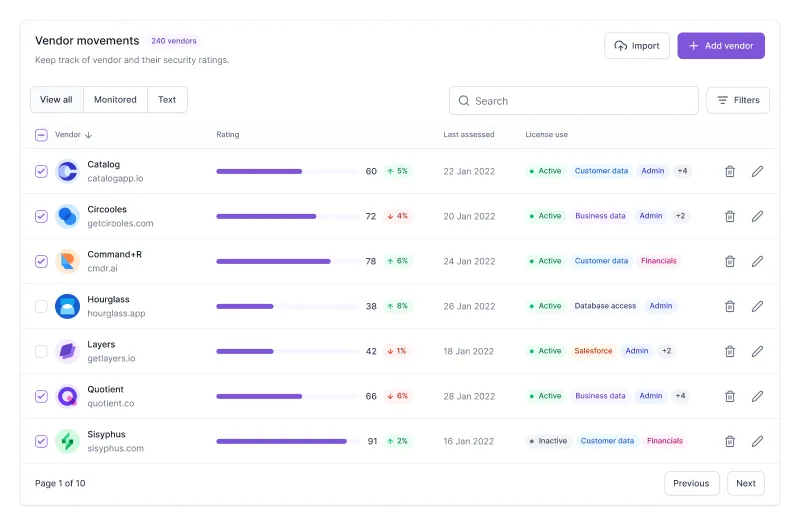
Paste into Figma with ⌘V (Mac) or Ctrl+V (Windows).
How to use
- 1Click Copy component above.
- 2Open your Figma file.
- 3Press ⌘V or Ctrl+V — the component will paste as native Figma layers, fully editable.
More like this
Same categories as Figma Dashboard Table Component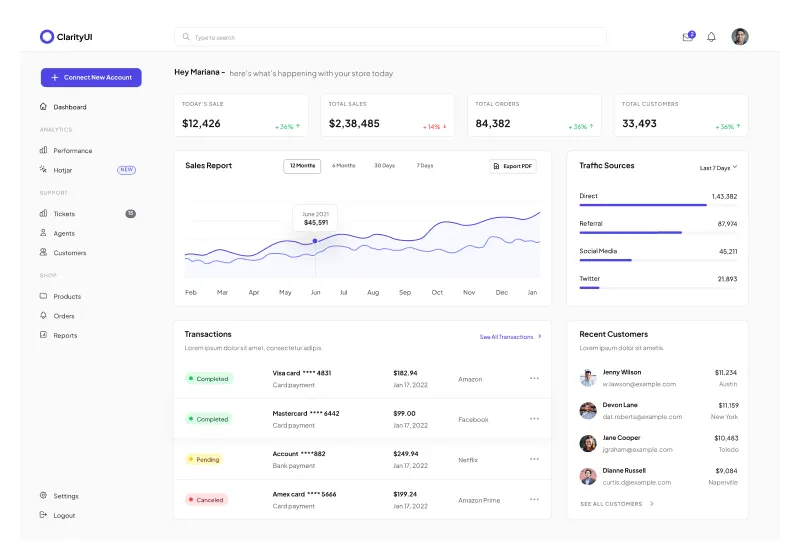
Dashboard Home Page Figma Component for Stats, Charts, and Tables
Chart · Progress Bar · Dashboard · Menu

1 Component - Figma UI Design Element
Form · Website · Dashboard · Login · Figcomponents

Figma Progress Bar Component - Stylish Progress Tracking for Websites
Progress Bar · Dashboard · Design System
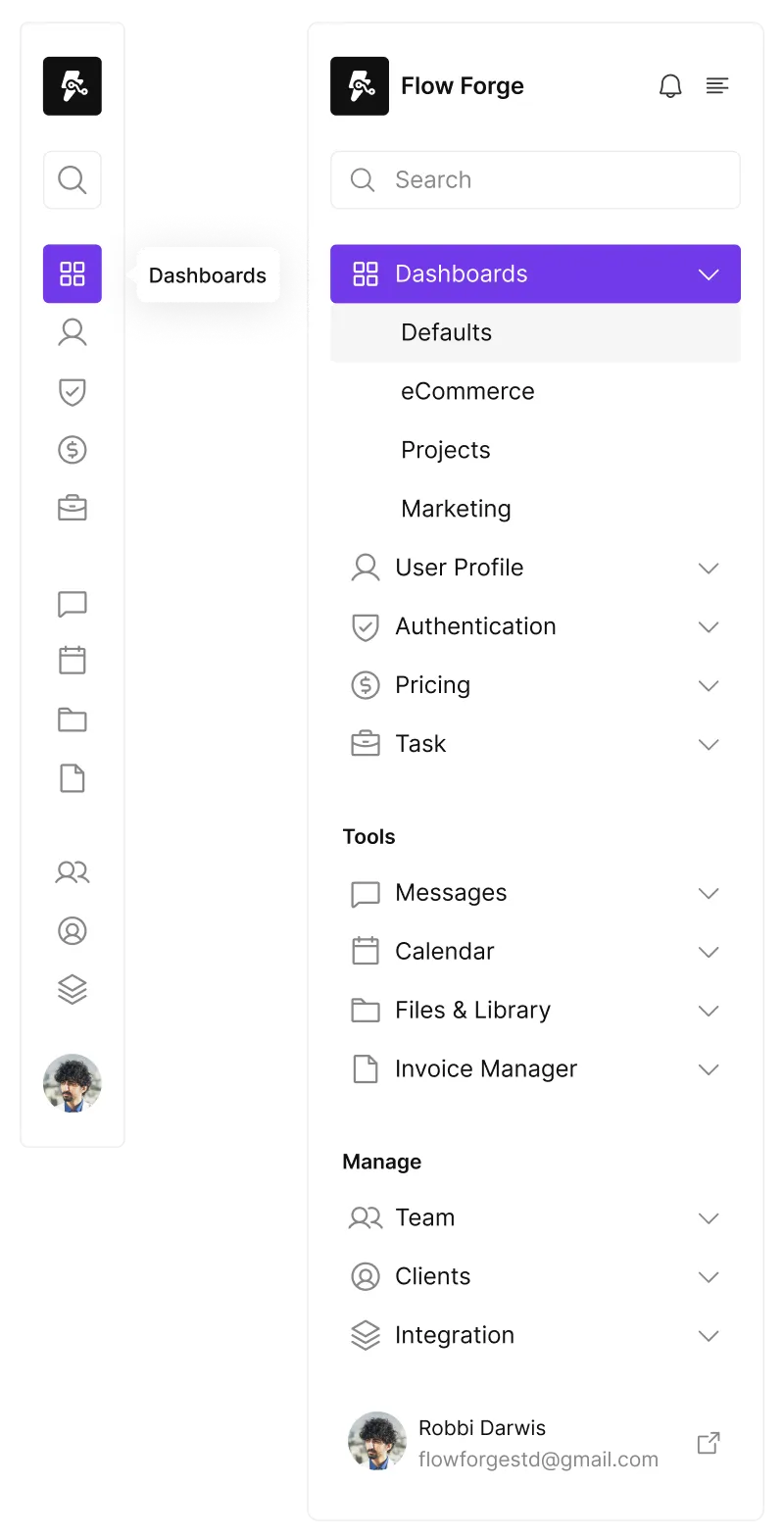
Responsive Sidebar Component for Figma - Seamless Navigation Design
Website · Dashboard · Menu · Sidebar

Figma Circle Progress Bar Component for Visual Data Display
Chart · Progress Bar · Website · Dashboard

Menu 3 Component - Figma UI Design Element
Navigation · Header · Dashboard · Menu · Figcomponents
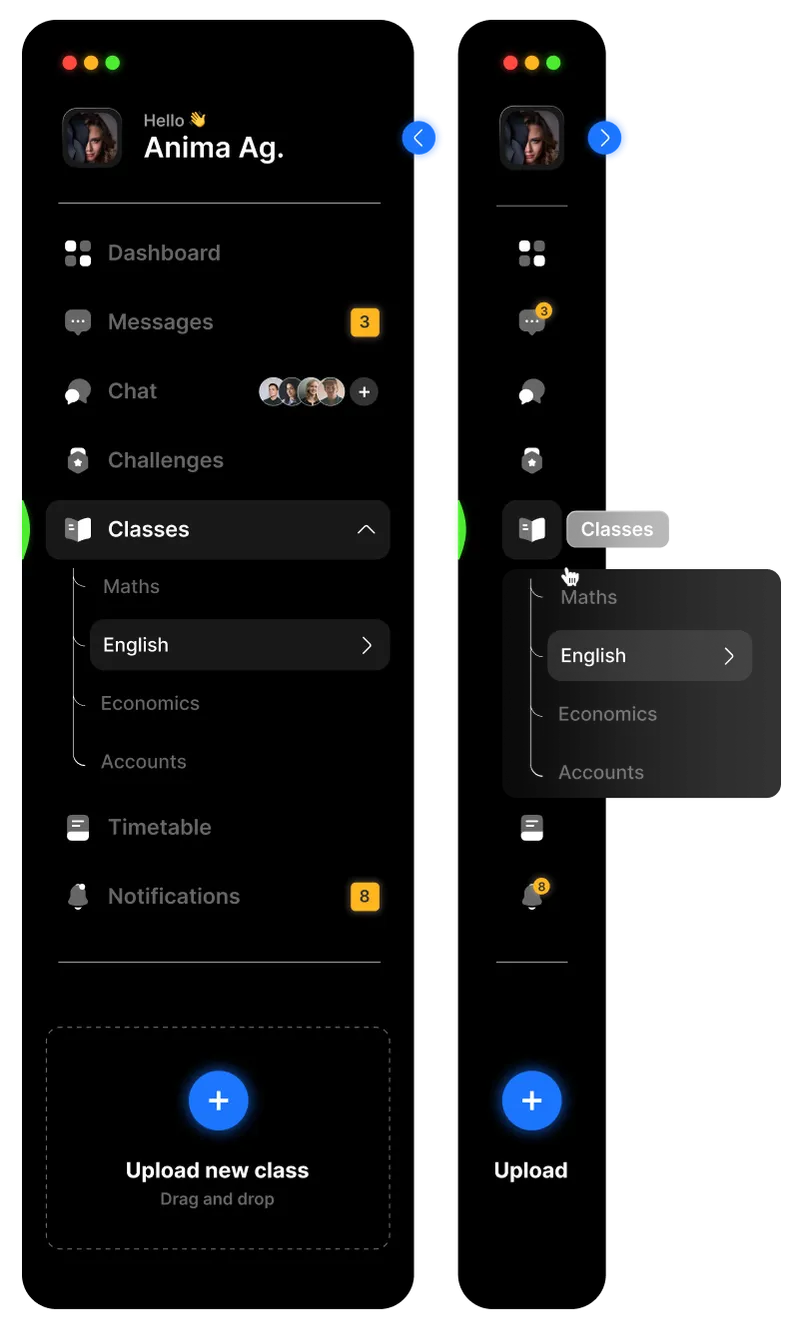
Dark Theme Responsive Sidebar Component for Figma - Sleek Navigation Design
Website · Dashboard · Menu · Sidebar

AI Chatbot Dashboard - Figma Components
Dashboard · AI
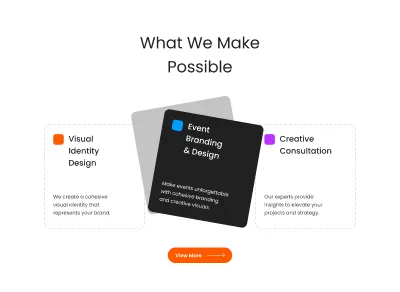
Figma Three Cards Section Component for Websites
Card · Grid · Website · Dashboard · Section · Landing Page

Figma Toggle Button Component for Interactive UI Design
Button · Form · Input · Design System · Toggle
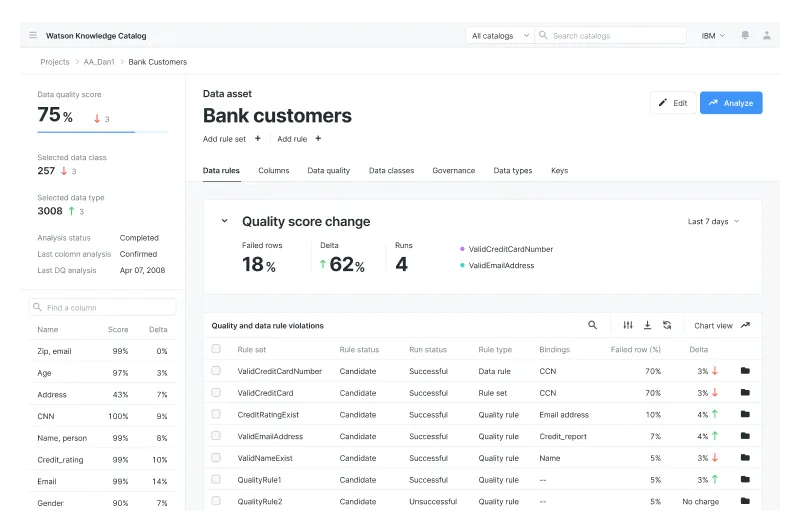
Figma Dashboard for Complex Data Visualization
Table · Dashboard
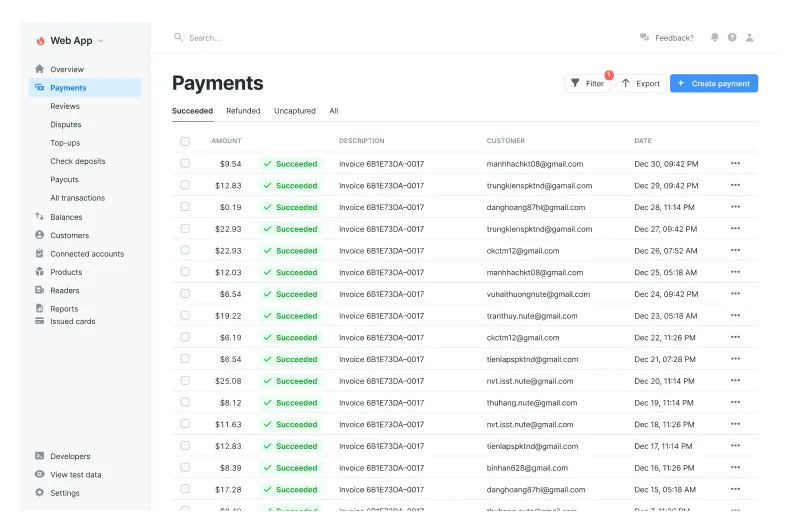
Dashboard Table Component
Table · Dashboard · Payment