Banner Component - Figma UI Design Element
A versatile and customizable Banner component for Figma, designed to enhance your desktop design with a sleek and modern UI.

Paste into Figma with ⌘V (Mac) or Ctrl+V (Windows).
How to use
- 1Click Copy component above.
- 2Open your Figma file.
- 3Press ⌘V or Ctrl+V — the component will paste as native Figma layers, fully editable.
More like this
Same categories as Banner Component - Figma UI Design Element
Figma Progress Bar Component - Stylish Progress Tracking for Websites
Progress Bar · Dashboard · Design System
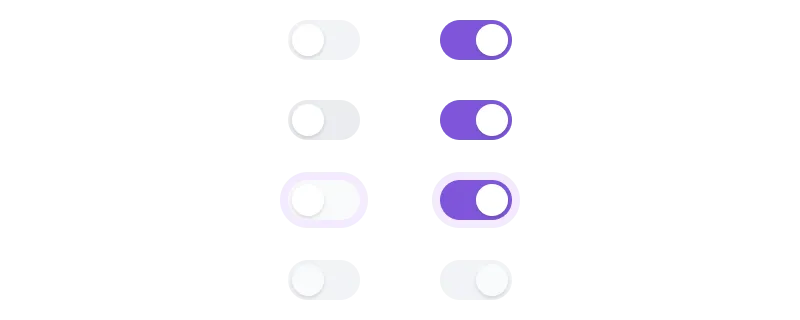
Figma Toggle Button Component for Interactive UI Design
Button · Form · Input · Design System · Toggle
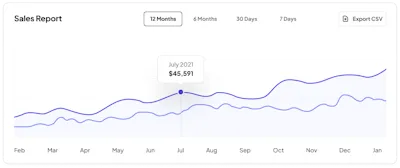
Chart 4 Component - Figma UI Design Element
Chart · Dashboard · Design System
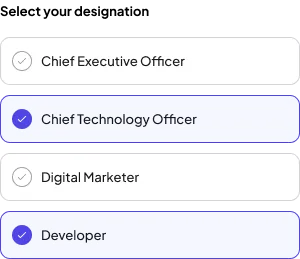
Checkbox Style 1 Component - Figma UI Design Element
Website · Dashboard · Design System · Checkbox · Figcomponents
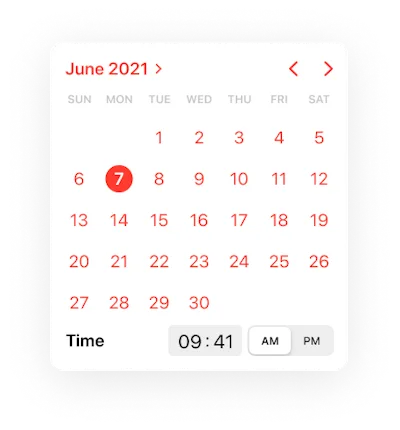
Calendar Component - Figma UI Design Element
Calendar · Design System · Mobile
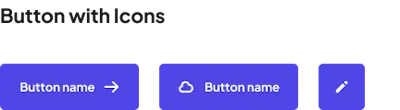
Icon Component - Figma UI Design Element
Button · Icon · Dashboard · Design System · Figcomponents
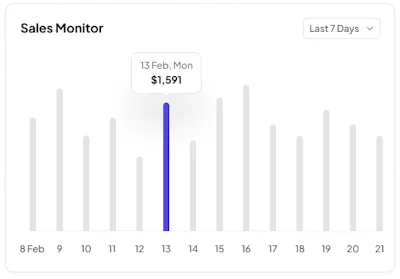
Chart 5 Component - Figma UI Design Element
Chart · Dashboard · Design System
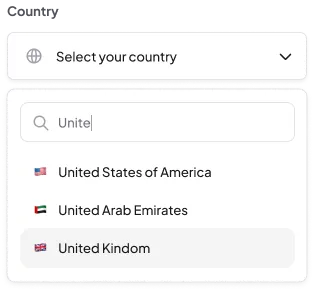
Dropdown 1 Component - Figma UI Design Element
Dashboard · Dropdown · Design System · Figcomponents

Checkbox Style 1 Component - Figma UI Design Element
Design System · Checkbox · Figcomponents
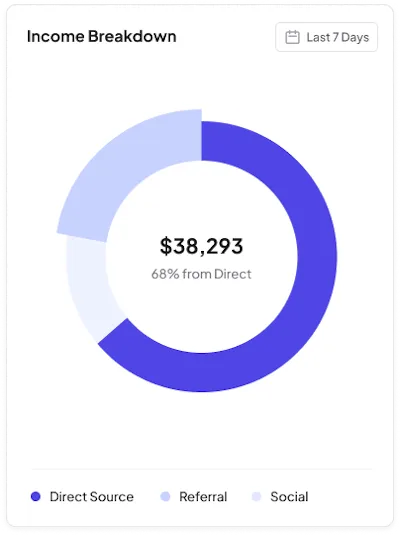
Chart 2 Component - Figma UI Design Element
Chart · Dashboard · Design System
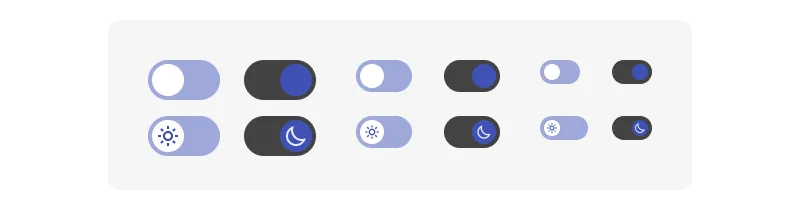
Figma Toggle Button Component for Interactive UI Design
Button · Dashboard · Design System · Toggle
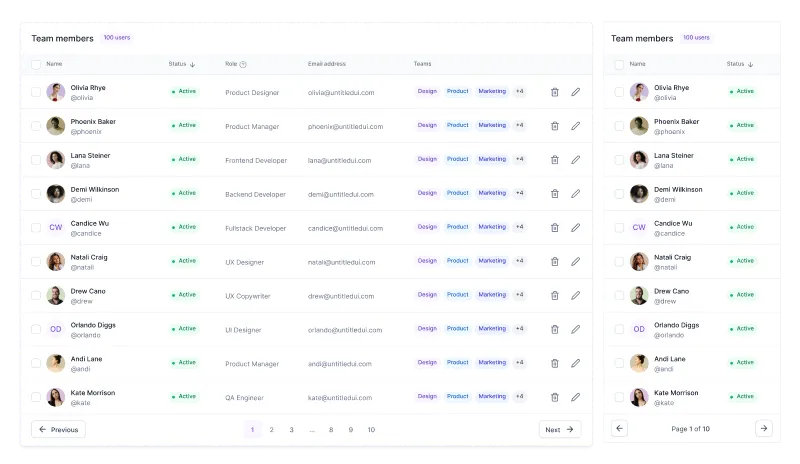
Figma Dashboard Responsive Table Component
Table · Dashboard · Design System